
AI Translate Arabic Video to Urdu Online
Upload your file to translate arabic video to urdu in FalcoCut. FalcoCut auto-generates Urdu voice and subtitles, adds lip sync, and lets you choose bilingual or translated-only subtitles with font, size, color, position, and background styles.
Drag& Drop, or
Preview Clear Translations and Natural Voice Results
Preview the original and the Urdu result side by side in FalcoCut. Get clean subtitles and natural voice options fast, so your message stays clear from start to finish.
 English
 Spanish
 Japanese
Bring Arabic Videos to Urdu Audiences Faster Than Ever
FalcoCut helps you turn Arabic speech into clear Urdu subtitles and natural Urdu voice in minutes. You get clean results with AI support, even if you have never edited a video before.
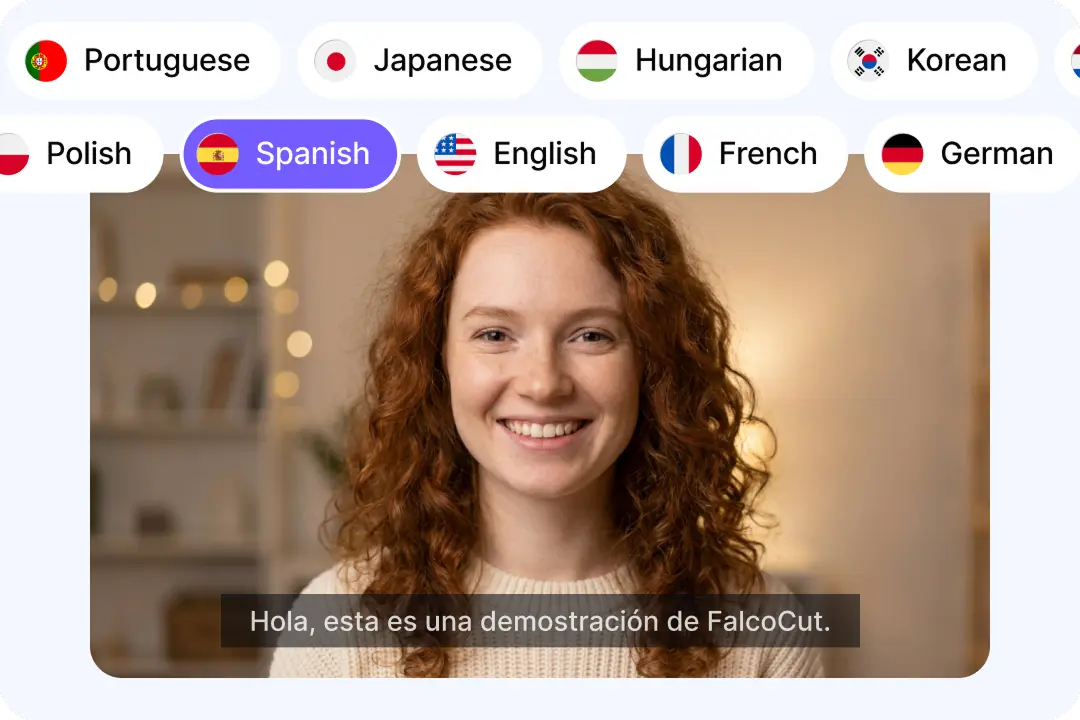
Confident Arabic-to-Urdu Results Across 35 Languages
FalcoCut helps you translate Arabic video to Urdu with clear wording that stays true to the meaning. It also supports many other languages, so your channel can grow over time. This is great for Islamic lessons, talks, and stories that need careful phrasing. You can create one or two target languages in one project for wider reach. Your video stays easy to follow for viewers who prefer Urdu. You spend less time fixing text and more time publishing content.
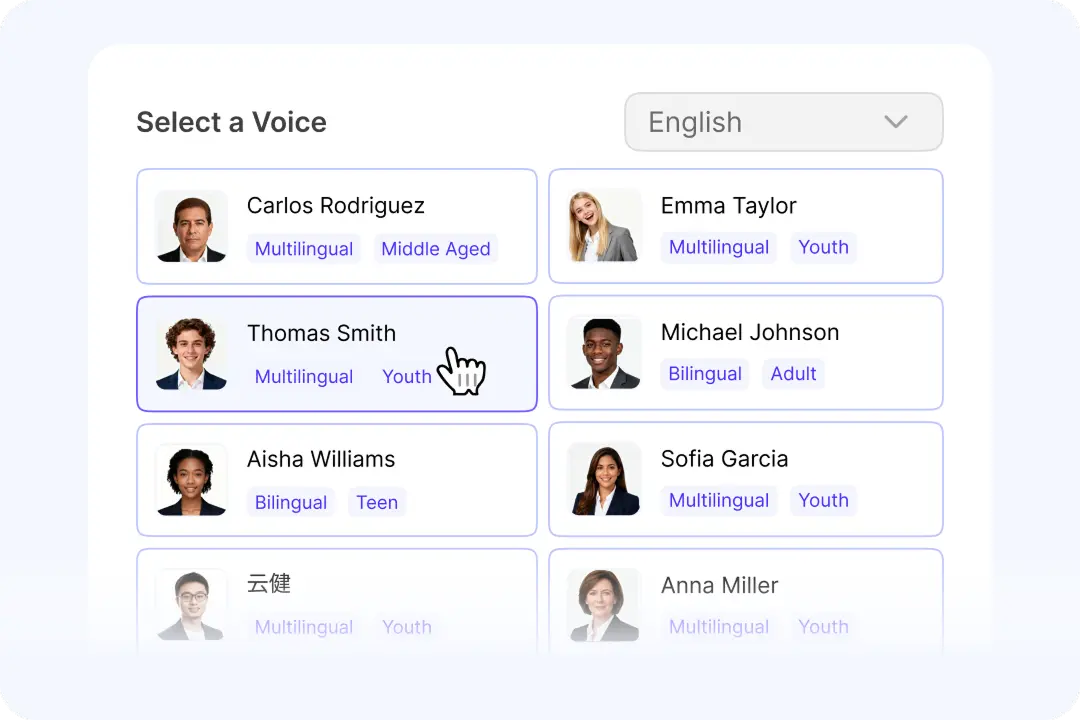
Natural Urdu Voices That Sound Smooth and Human
A good voice makes people stay longer, especially in long Islamic videos and lectures. FalcoCut offers a wide voice library, so you can match tone, age, and style. The Urdu narration can sound calm for teaching or energetic for short clips. Clear audio helps viewers understand key points without reading every line. This also supports audiences who watch while driving or working. Your content feels more local, not like a rough machine dub.
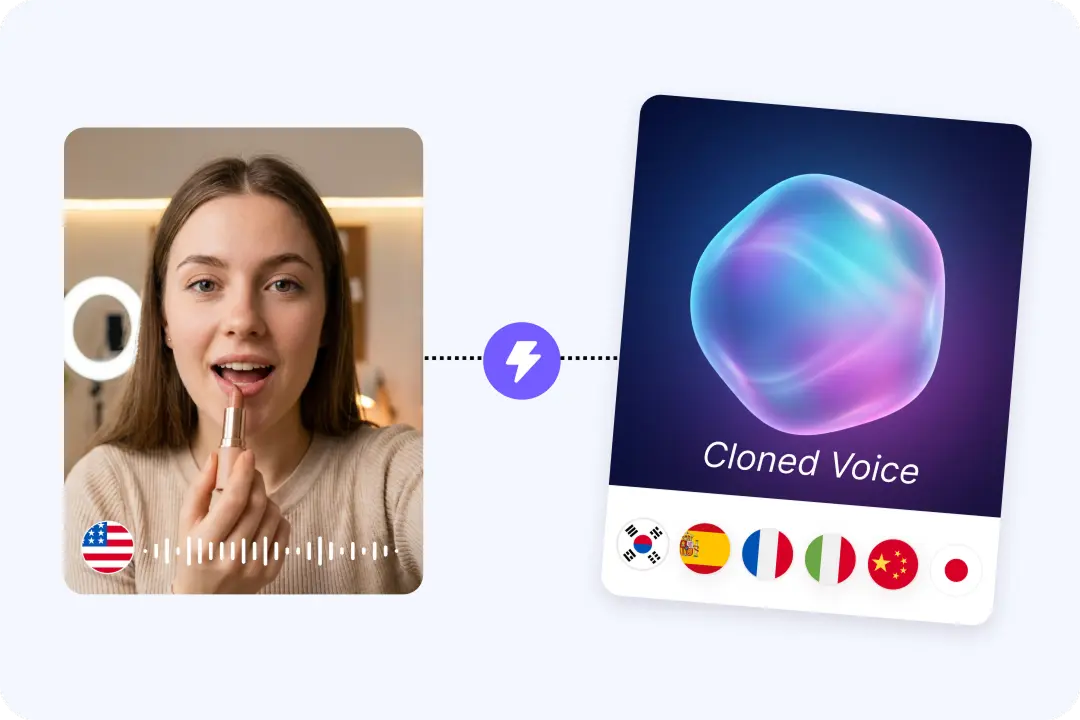
AI Dubbing Plus Voice Cloning for Brand Consistency
When your videos have a familiar sound, viewers trust your channel more. FalcoCut supports AI dubbing and AI voice cloning for a consistent speaking style. This is helpful for series content, daily reminders, and multi-part Islamic translation video posts. You can keep the same voice feel across many uploads, even when topics change. Consistency also makes your content easier to recognize on social platforms. You deliver Urdu versions that still feel like your original work.
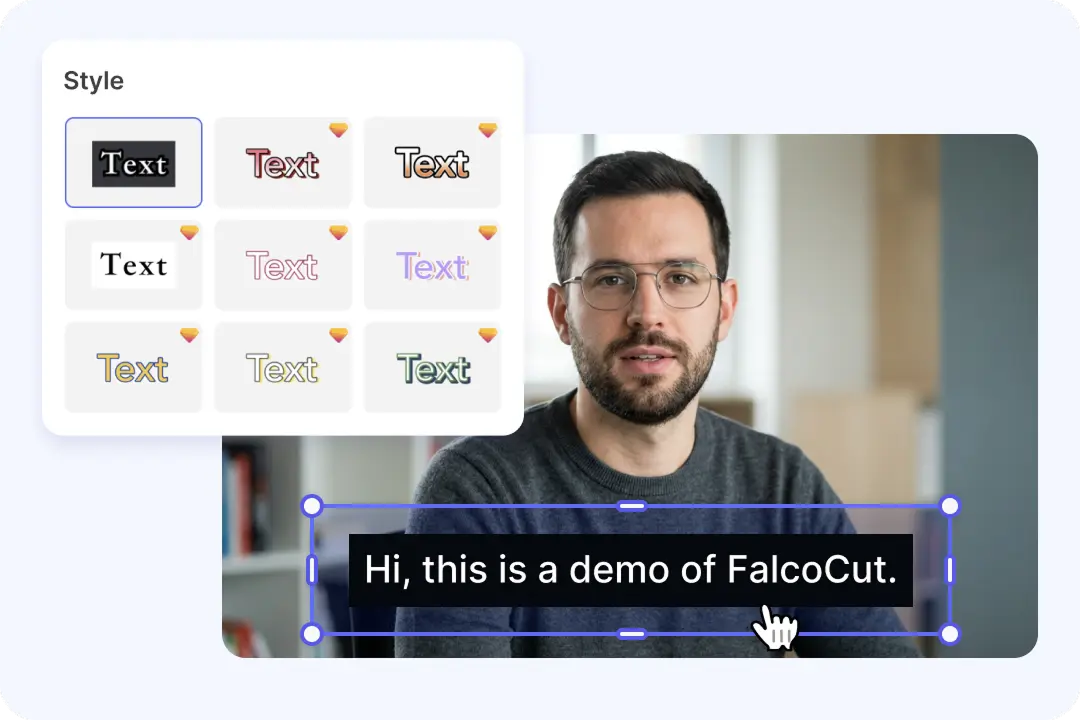
Accurate Subtitles You Can Edit for Key Religious Terms
Subtitles matter when you share Islamic content, where small wording changes can confuse meaning. FalcoCut generates translated subtitles and also picks up spoken lines and on-screen text. You can adjust the wording to fit names, duas, and common phrases used in Urdu. Clean subtitles help viewers learn, pause, and share clips with confidence. You can choose bilingual or translated-only subtitles based on your audience. The final video looks polished and ready for public posting.
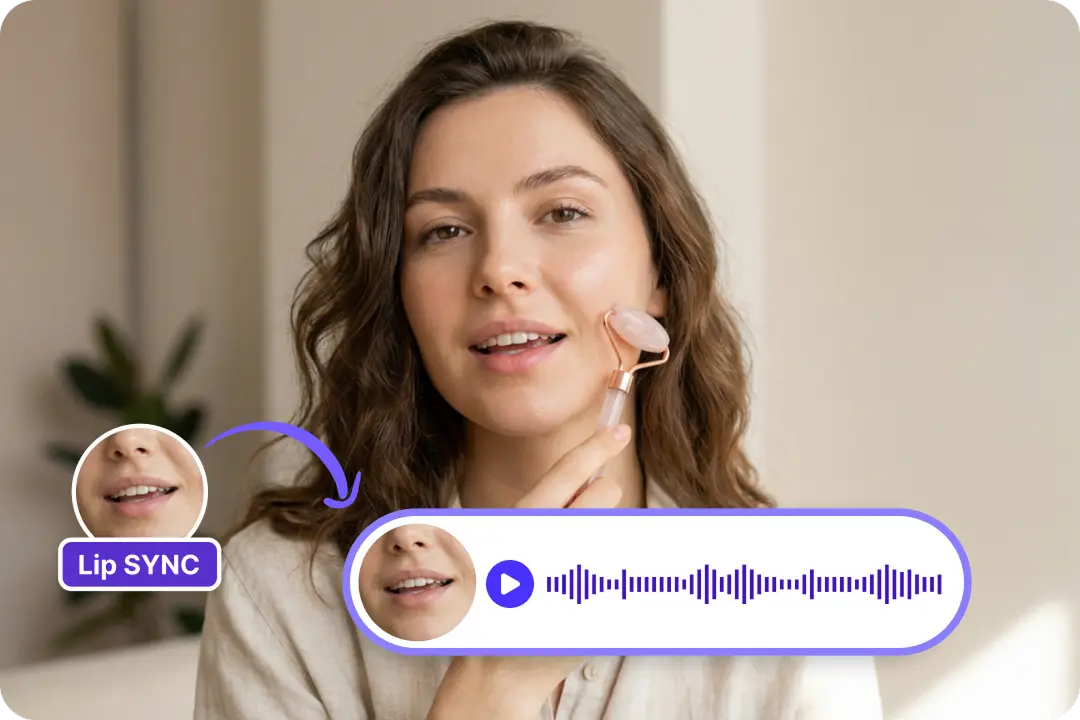
Lip Sync That Keeps Talking Faces Looking Real
When lips match the new Urdu voice, viewers feel the video is more natural. FalcoCut lip sync helps reduce the awkward delay that makes people stop watching. This is useful for presenters, interviews, and speaker-led Islamic lessons. Better realism can improve trust and keep attention through longer sections. It also helps short clips perform better because they look more professional. Your audience focuses on the message, not the mismatch.
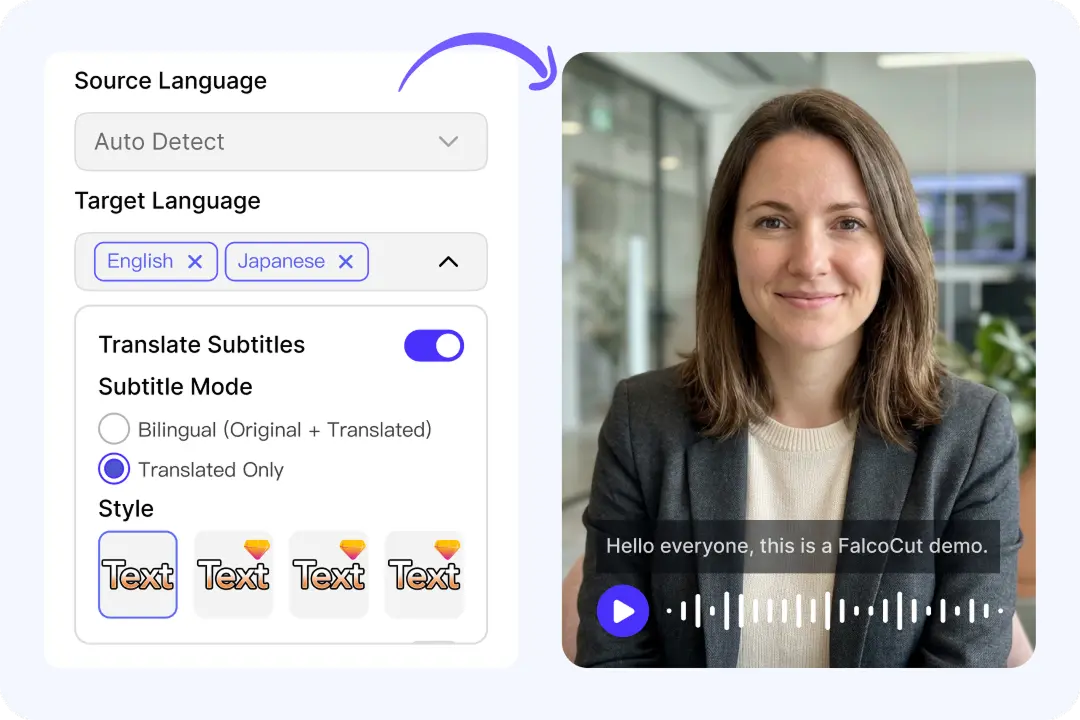
One Workspace for Subtitles, Voice, and Final Exports
Many tools force you to jump between apps for subtitles, dubbing, and final downloads. FalcoCut keeps the workflow in one place, so beginners do not get stuck. You can create Urdu versions, preview changes, and export without complex setup. This saves time when you publish often or manage multiple channels. It also helps teams keep a steady process with fewer errors. You move from Arabic to Urdu content with less effort and more control.
How to Translate Arabic Video to Urdu
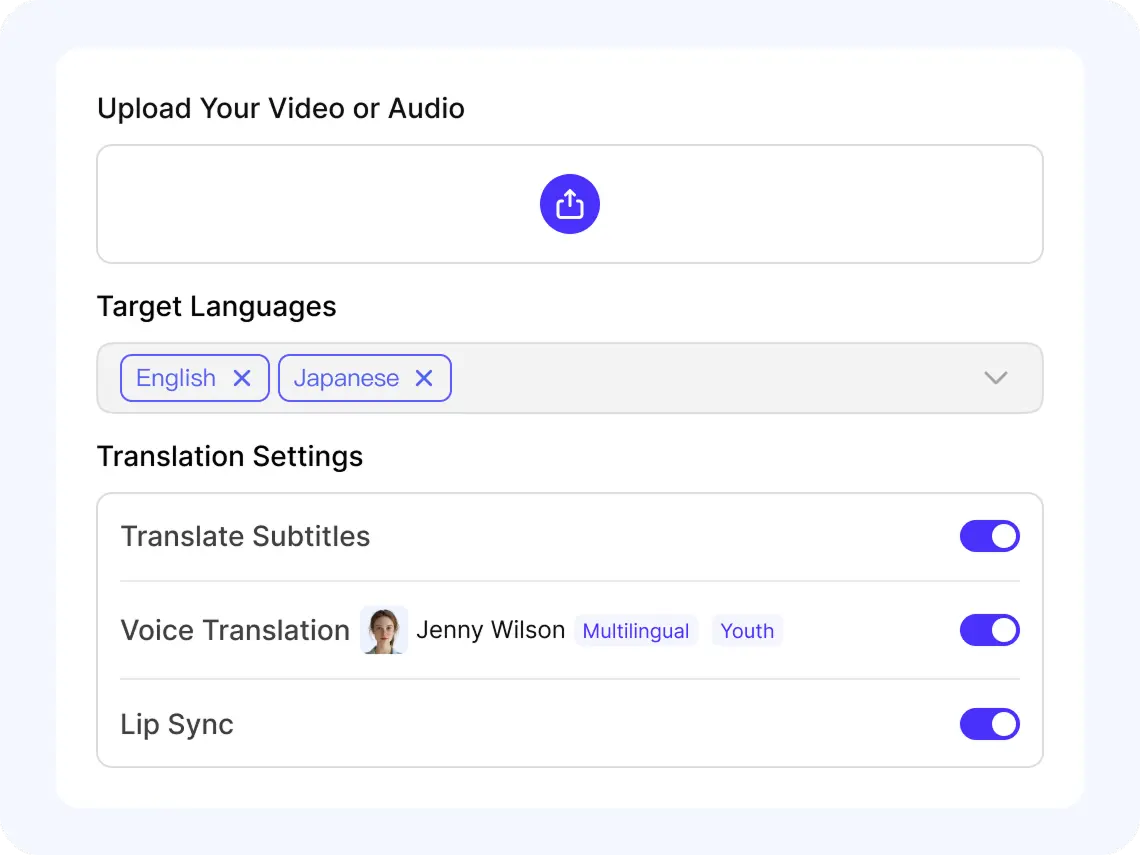
Step 1: Upload Your Arabic Clip
Click Add Video to Translate, or pick a file from Select From Library. Upload MP4 or MOV, then wait for the preview to load. You can play it right away to confirm the audio is clear.
Step 2: Set Source and Target Languages
Choose Arabic as the Source Language, then select Urdu as your Target Language. You can add a second target if you want another version. Turn on Translate Subtitles, Translate Voice, and Lip Sync if needed.
Step 3: Review Subtitles and Voice Style
Preview the translated result and check timing and names before you export. Pick a Select Voice option that matches the speaker’s age and tone. Choose Bilingual Subtitles or Translated Only, then adjust font, color, and position.
Step 4: Export and Share Your New Version
When processing is done, open My Creations to download your finished video. Choose Download with Watermark for free, or upgrade for Download without Watermark. Share the Urdu version on YouTube, TikTok, or your course page.
Unlock More Views by Converting Arabic Videos Into Urdu
Unlock Multilingual Reach Across 35 Languages
FalcoCut supports 35 languages, so you can turn Arabic videos into clear Urdu versions in just a few clicks. No editing skills needed—upload, pick languages, and download your result.






















Trust FalcoCut for Clear Arabic-to-Urdu Video Results
FalcoCut helps you turn Arabic videos into easy-to-follow Urdu versions in minutes. It runs in your browser, keeps the process simple, and delivers reliable output you can review before download.
Start Fast in Your Browser
FalcoCut works right in your browser, so you can begin without installs or updates. Upload your MP4 or MOV file and see a preview right away. The layout is simple, so beginners can translate Arabic video to Urdu with less stress.
Save Hours on Repeated Work
FalcoCut speeds up Arabic-to-Urdu video translation so you can publish sooner. You can generate subtitles and voice without doing line-by-line typing. That means less rework when you handle long talks, lessons, or islamic translation video content.
Choose Subtitles, Voice, or Both
Pick the output that fits your audience and your budget. Create translated subtitles, translated voice, or combine both for a full Urdu version. This flexibility helps when an islamic video Arabic translate into Urdu needs clear reading, clear listening, or both.
Get Cleaner, More Readable Urdu
FalcoCut focuses on clear results you can check before you download. You can review the translated subtitles and adjust how they look on screen. This makes Urdu text easier to follow, even in fast speech or dense religious topics.
Keep Costs Under Control
FalcoCut offers a free download option with a watermark for quick testing. When you need a clean final file, you can upgrade to download without a watermark. This helps you translate Arabic video to Urdu without paying before you see results.
Handle Your Content More Safely
FalcoCut is built for creators who care about trust and responsible sharing. You control what you upload and what you download from My Creations. That makes it easier to work on private lessons, client clips, or sensitive islamic translation video material.
Manual Video Translation vs. FalcoCut AI Translation
Doing it by hand takes time, costs more, and is hard to scale. FalcoCut gives you a faster, simpler way to translate video with subtitles and AI voice in one flow.
Traditional Manual Workflow
- •Slow back-and-forth edits
- •High cost per video
- •Hard to keep terms consistent
- •Extra steps for subtitles and audio
- •Long waits for each revision
FalcoCut AI Workflow
- •Fast processing from upload to export
- •Lower cost for more videos
- •Subtitles and dubbing in one tool
- •AI voice and optional lip sync
- •Consistent results across 30+ languages
Explore Our AI Tools
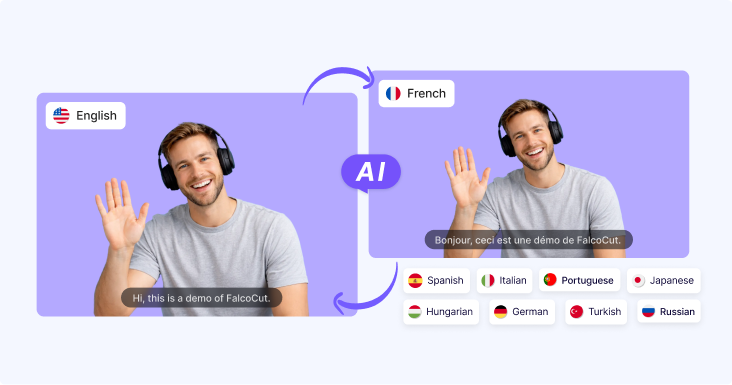
AI Video Translator
AI Video Translator – Instantly translate your videos into 30+ languages with accurate subtitles, natural AI dubbing, and seamless lip sync, making your content accessible to global audiences across social media, e-learning, and marketing.
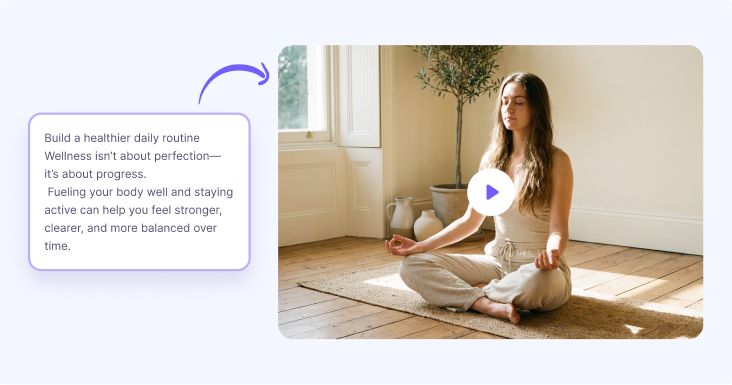
AI Video Generator
Generate videos from text or images in minutes. Turn scripts, ideas, or visuals into engaging videos with AI-powered scenes, motion, and visuals—no filming or editing required. Perfect for marketing videos, social content, product showcases, and storytelling at scale.

AI Avatar Generator
Create lifelike digital avatars in minutes. Perfect for presentations, marketing, and social media—our AI avatar generator brings your message to life with realistic expressions and gestures.
Frequently Asked Questions
Can I create both Urdu subtitles and an Urdu voice dub at the same time?
Yes, you can enable Translate Subtitles and Translate Voice together to get Urdu captions plus an Urdu AI dub. FalcoCut will transcribe Arabic speech, translate it, and generate a new voice in Urdu. You can also choose a voice style before you export the final video.
Does FalcoCut support lip sync for Arabic to Urdu dubbing?
Lip sync is available when the language pair supports full voice and lip sync features. Arabic is fully supported, and Urdu is also fully supported for transcription, translation, voice generation, and lip sync. Turn on Lip Sync to better match mouth movement for talking-head and lecture-style videos.
Can I make bilingual subtitles for Islamic videos with Arabic and Urdu together?
Yes, you can choose Bilingual Subtitles to show Arabic and Urdu on the same video. This works well for Islamic content where viewers want the original wording and the Urdu meaning. You can also adjust font, size, color, position, and background for clearer reading.
What video formats can I upload for Arabic to Urdu translation?
FalcoCut supports MP4 and MOV uploads for video translation. After you add your file, the preview loads automatically so you can confirm the content. If your video is in another format, convert it to MP4 or MOV before uploading.
How long does it take to generate an Urdu version of my Arabic video?
Processing time depends on video length and which options you enable, such as subtitles, voice, and lip sync. Most users can start quickly because FalcoCut runs in your browser with zero setup. You can translate and export without needing editing experience or extra software.
How accurate is the Arabic to Urdu translation for religious or educational content?
FalcoCut uses AI to transcribe Arabic speech and translate it into Urdu for subtitles and dubbing. For Islamic lessons, you should review key lines and names, then edit subtitles if needed before download. You can also pick bilingual subtitles to help viewers compare Arabic and Urdu wording.
Can I edit the Urdu subtitles and change how they look before exporting?
Yes, you can control subtitle display and styling before you export the final file. Choose Translated Only for a clean Urdu look, or Bilingual Subtitles for Arabic plus Urdu together. You can adjust font, size, color, position, and background to fit your layout and readability.
Is there a free option, and what is the difference between watermark and no watermark downloads?
FalcoCut lets you download results with a watermark for free after processing. If you need a clean export, you can download without a watermark on a paid plan. This helps you test Arabic to Urdu translation quality before you decide to upgrade.
Is my Arabic video kept secure when I upload it for Urdu translation?
FalcoCut is built to handle your uploads securely while the system processes translation, subtitles, and dubbing. You control what you upload and when you download from My Creations, keeping your workflow simple. If you are translating sensitive content, export your results and manage sharing carefully.