Turn Every Photo Into a Masterpiece with FalcoCut
Watch how FalcoCut transforms different types of photos with ease—from dark shots and old memories to anime art, low-res images, grainy textures, and blurry portraits. In just seconds, your pictures become sharper, clearer, and ready to share at stunning quality.
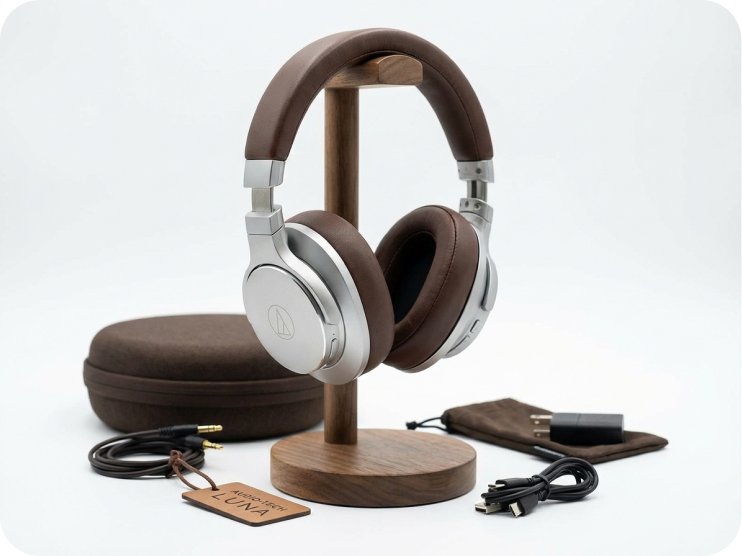

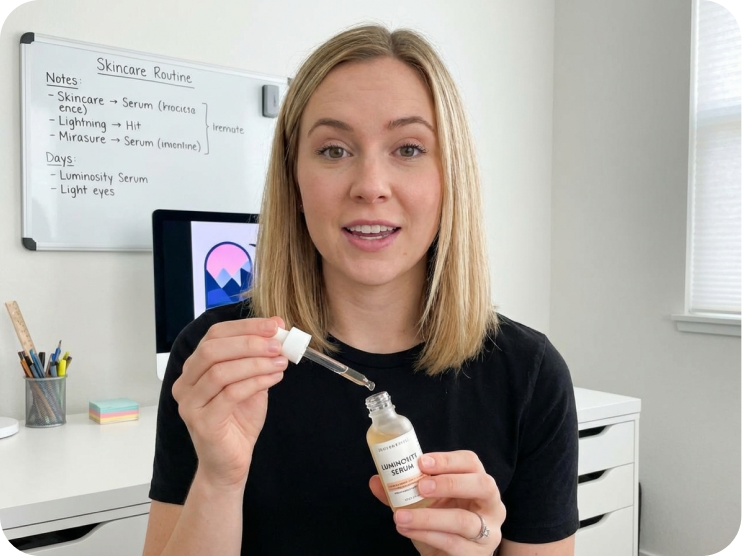

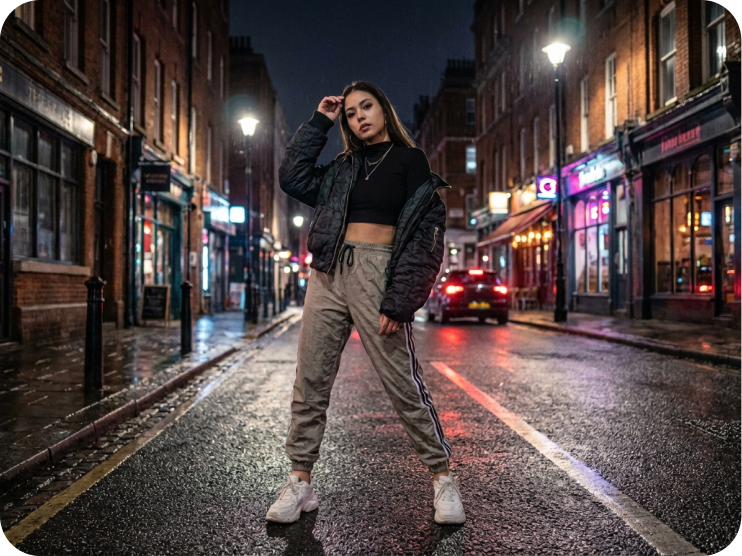
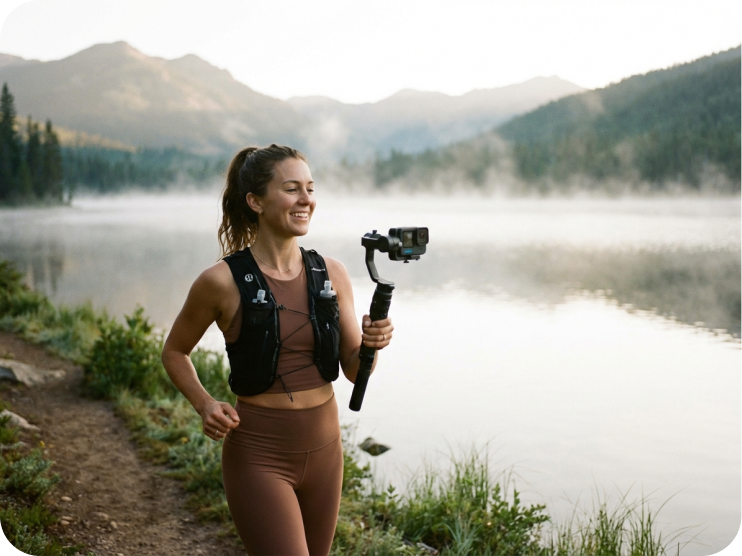




How to Enhance Photo Quality With FalcoCut
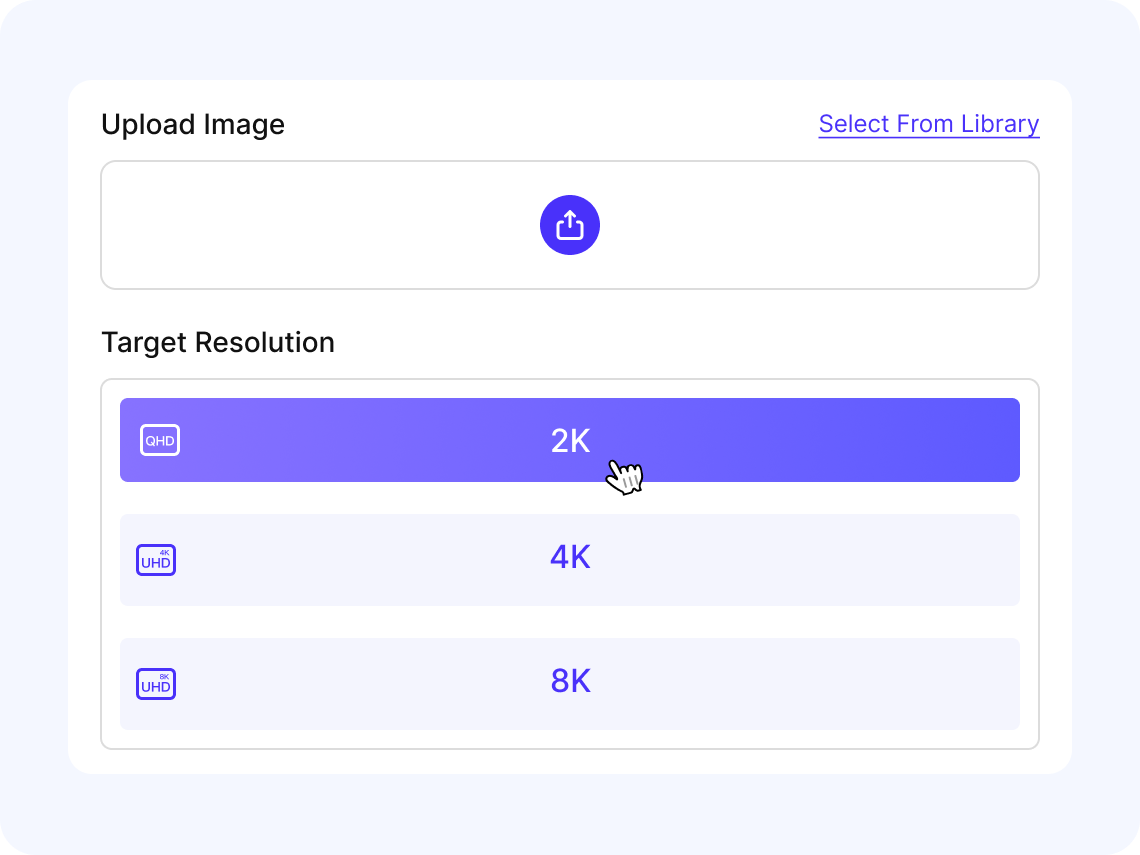
Upload Your Image
Click Upload or drag your photo into FalcoCut's enhancer. JPG and PNG files are supported, so you can start right away.
Choose the Resolution
Select the output resolution you want. Higher options give you more detail and a sharper final image.
Let the AI Enhance Your Photo
Click Start and FalcoCut will sharpen details, reduce blur, and boost clarity automatically. No manual editing needed.
Preview and Download
Review the enhanced image in the preview. When it looks right, download the HD version to your device.
AI Image Enhancement for Sharper, Brighter Results
FalcoCut AI Image Enhancer is built to make photo improvement simple and effective. From resolution upgrades to color correction, it gives you the tools to fix common problems and bring out the best in any picture—all in one easy platform.
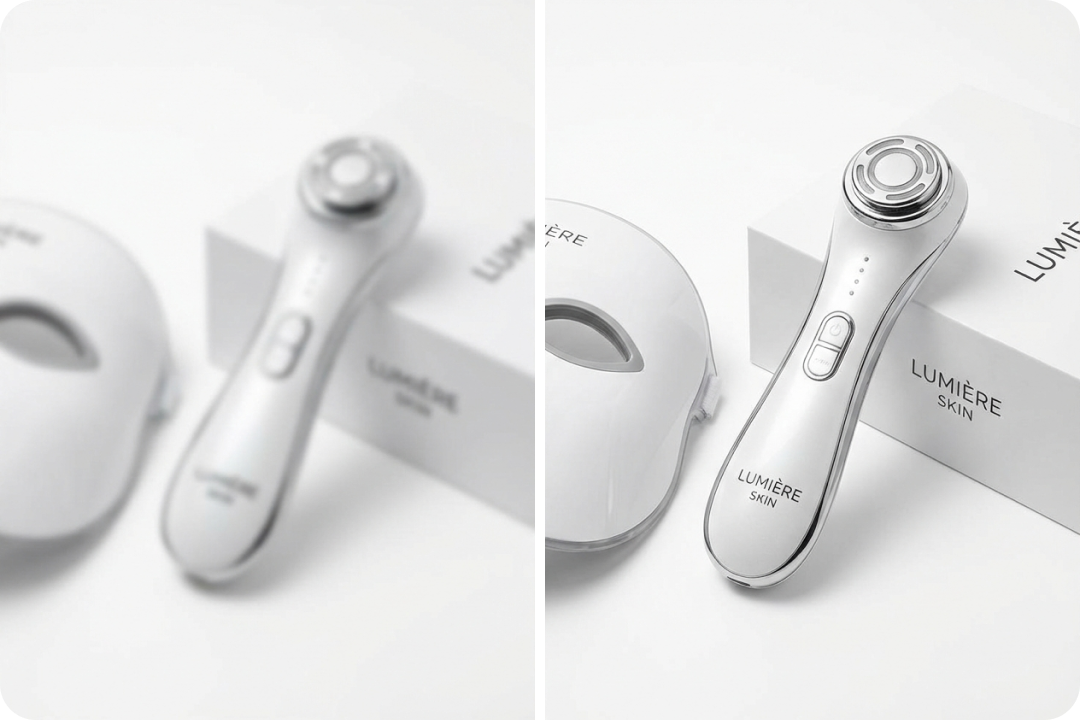
Enhance Your Photos with AI
Our AI-powered photo enhancer gives your images an instant upgrade, turning everyday shots into crisp, high-quality visuals. It analyzes lighting, texture, and detail to clean up dull or unclear photos automatically. E-commerce sellers can make product listings look more trustworthy, creators can polish social content without extra tools, and marketing teams can prepare cleaner visuals for ads or banners. It's a simple way to improve any image with just one upload.
Make Any Image Look Bigger and Sharper
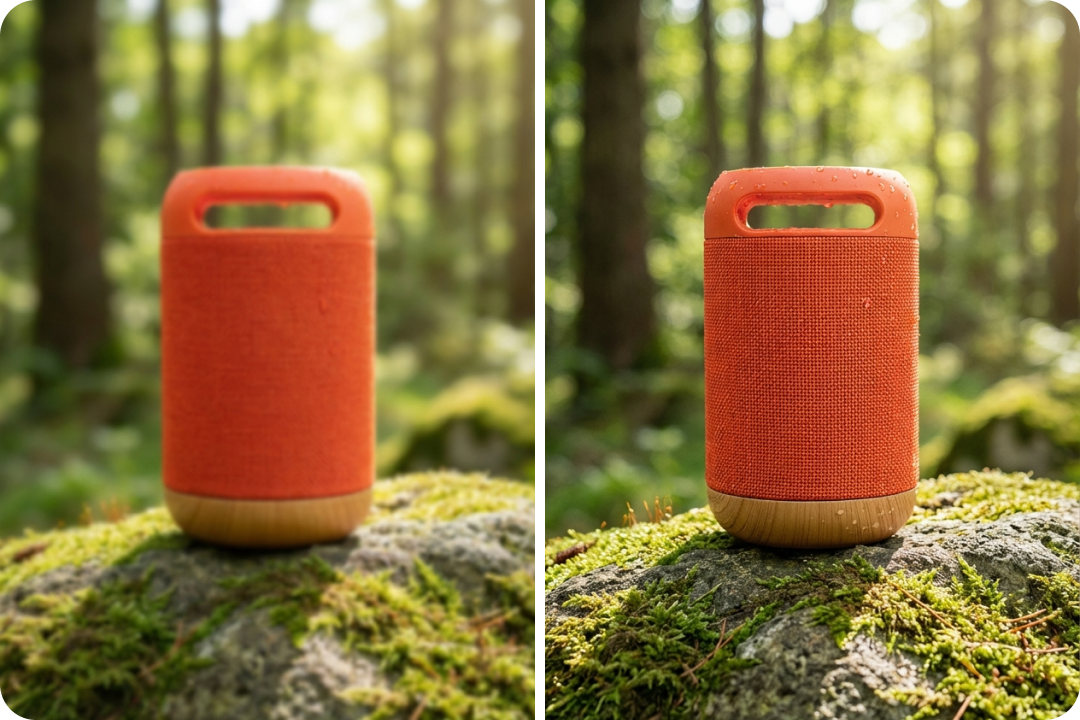
Enlarge your images to 2K, 4K, or 8K while rebuilding the fine details that usually get lost when you stretch a photo. Instead of blowing up pixels, FalcoCut rebuilds edges, textures, and patterns so your visuals stay crisp at larger sizes. Tiny images can be expanded for clearer print materials, digital graphics can gain sharper edges for interface previews, and personal or travel photos can become clean, high-resolution visuals for presentations, blogs, or side-by-side comparisons.
Upgrade 10 Images in One Go
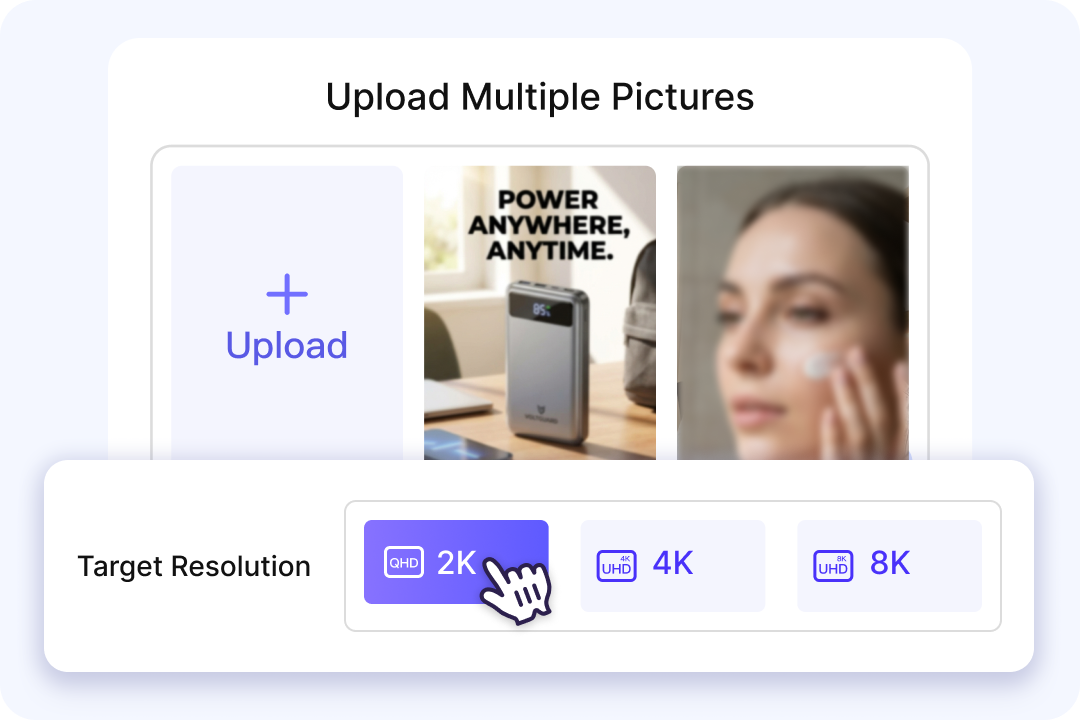
Dealing with a pile of photos? Enhance them all at once. Our AI batch enhancer lets you upload up to 10 images at the same time, giving every photo a clean, consistent boost. The results appear almost instantly—no slow queues or repetitive editing. From product galleries to UI mockups to lifestyle snapshots, everything gets refreshed together. The AI sharpens details, balances tones, and cleans up imperfections so your visuals look polished and ready to use.
Natural Color & Contrast Adjustment
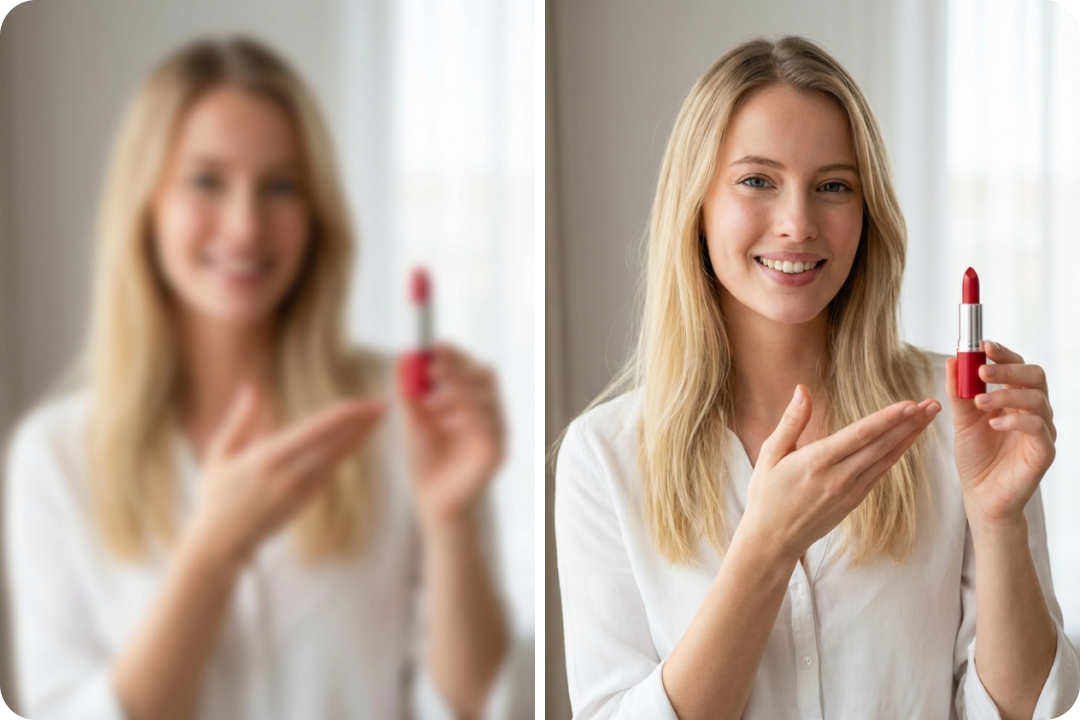
Brighten lifeless images instantly and bring their colors back to life. Our AI color enhancer boosts brightness, contrast, and tone in one click, giving every photo a more vivid, natural look without harsh edits. You'll see richer colors, cleaner highlights, and balanced shadows across all kinds of photos—family moments, outdoor adventures, pet pictures, or creative hobby shots. Each picture shines with gentle improvements that make it ready for any moment you want to share.
Fix Blurry Photos Fast
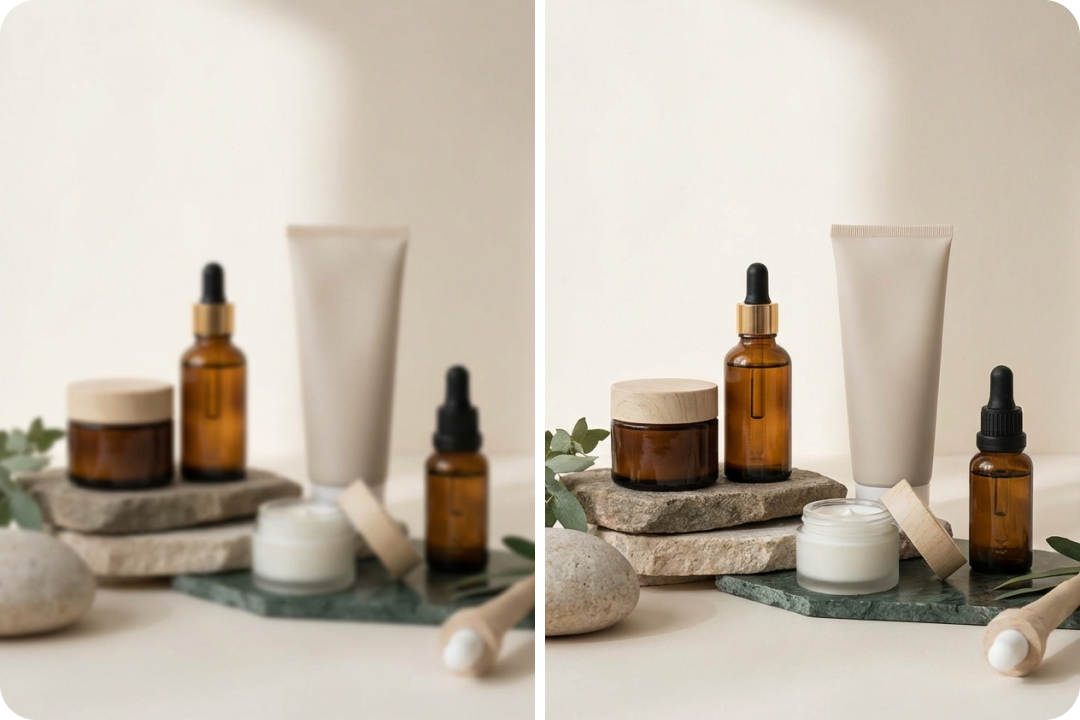
Soft or unfocused photos don't have to stay that way. FalcoCut's unblur tool tightens edges, restores lost detail, and brings each image back into clear focus with a single click. You'll see the difference right away—cleaner lines, brighter textures, and a more defined look overall. Whether it's portraits, scenery, close-ups, or action shots, every photo gets a smooth boost in clarity. The result is a sharper, truer image that fits smoothly into any project or design.
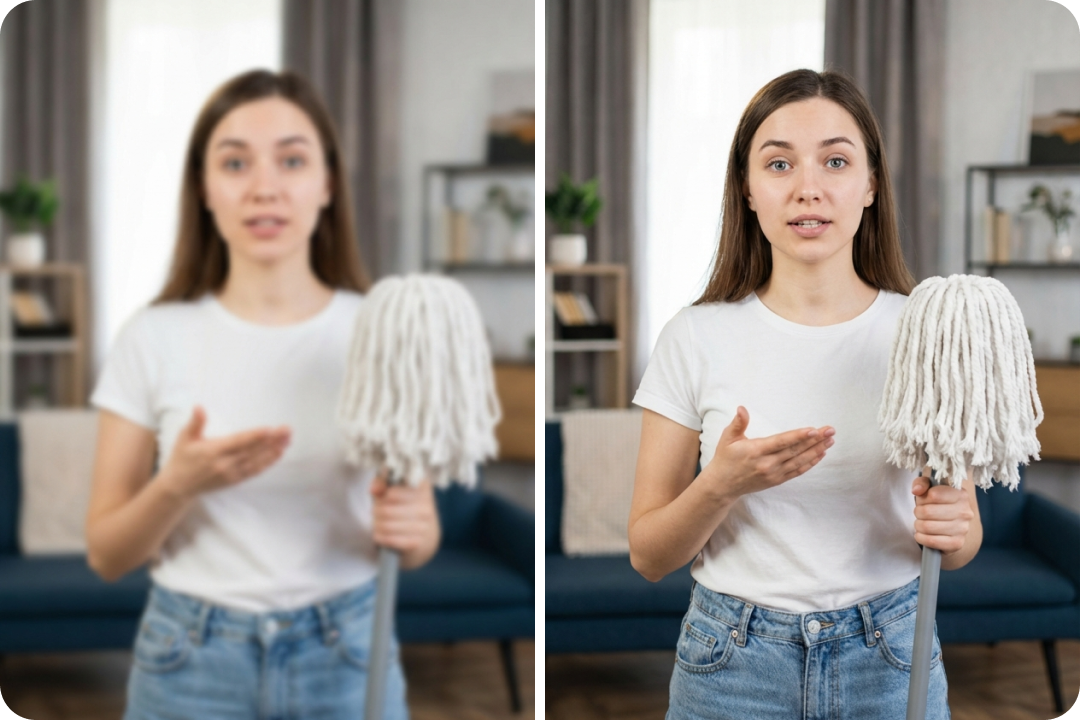
Remove Noise & Grain
Grainy photos can lose their natural look, especially in low light. With FalcoCut, unwanted grain is softened and your image returns to a balanced, even texture. Details stay clear while the background becomes calmer and easier on the eyes. From product shots and lifestyle images to branded visuals and social content, every photo looks smoother and more balanced. The final result delivers a clean, refined finish that lifts your visuals to a studio-ready standard.
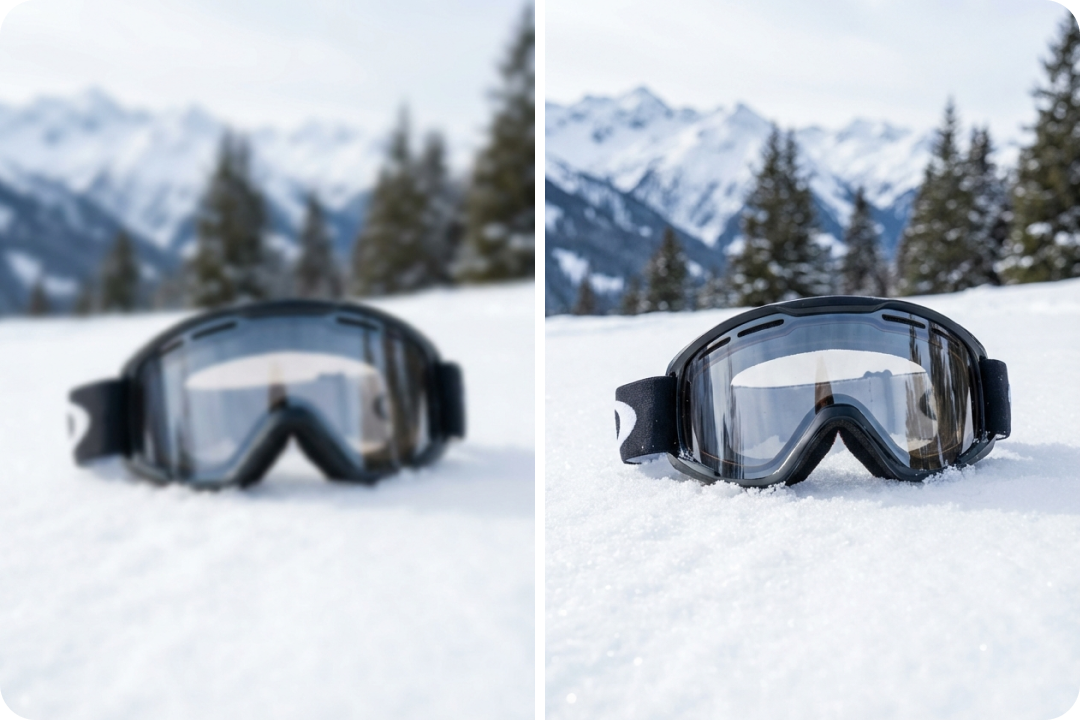
Adaptable to Every Photo You Take
FalcoCut adjusts to whatever you throw at it. Selfies, product shots, screenshots, social posts—each one gets the right kind of boost without looking over-edited. The enhancer reads the image, improves what matters, and keeps everything feeling natural and true to the source. Soft areas become clearer, textures stay smooth, and the whole photo gains a clean, consistent finish. No matter the format or where the image came from, FalcoCut helps your visuals look polished and ready for your next creative move.
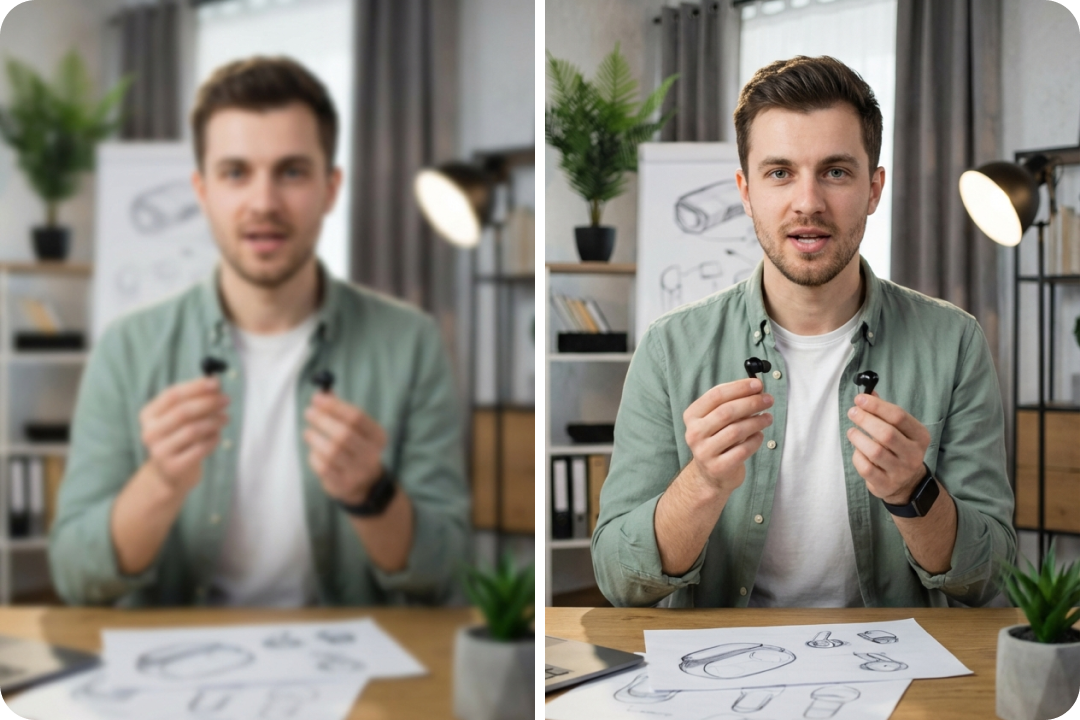
One Platform for All Your Visual Needs
FalcoCut isn't just an image enhancer—it's a complete creative studio. You can create images, upscale photos, refine details, and make quick edits without switching between different apps. Everything works together smoothly, giving you a simple setup for handling both single images and batch projects. This streamlined approach cuts down on busywork and keeps your workflow clear, so you can focus on the results that matter most.
Best AI Photo Enhancer for Diverse Occasions
FalcoCut adapts to the needs of photographers, sellers, artists, and everyday users. No matter your project, it delivers refined, lifelike visuals that make your work stand out.
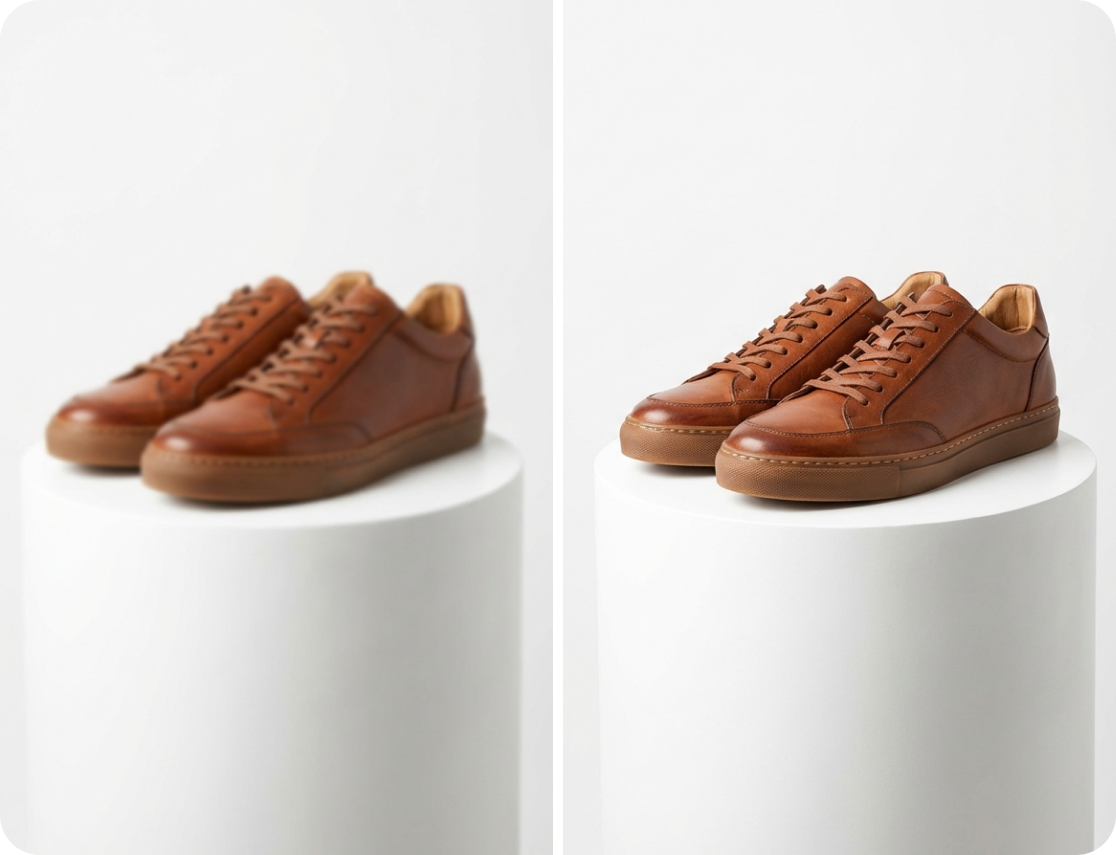
Why Choose FalcoCut AI Image Enhancer
FalcoCut streamlines image enhancement with fast, reliable AI that produces natural results and keeps your workflow easy. You can upgrade any image in just a few clicks and move on with your project.
Simple by Design
The interface is easy for anyone to use, with no technical skills needed. Upload a photo and the AI handles the enhancement from start to finish.
Lightning-Fast Processing
Results appear in seconds thanks to an optimized AI engine that analyzes and improves images quickly. Whether you're working on one photo or many, you get clear upgrades without waiting.
True-to-Life HD Quality
Resolution and detail are enhanced while keeping colors balanced and edges smooth. Your images stay natural and realistic, ready for printing, sharing, or professional use.
Secure and Reliable
Images are processed with strong security measures and handled with care. No unnecessary data is stored, so your content stays protected throughout the workflow.
Corrects Distortions Effortlessly
Blur, pixelation, and compression artifacts are repaired automatically to restore clarity. Even shaky shots or low-res uploads become clean, usable images with minimal effort.
Works Anywhere You Do
FalcoCut runs smoothly on desktop, tablet, or mobile, all inside your browser. No downloads are needed, making it easy to enhance photos wherever you are.
Old Way vs. FalcoCut AI Image Enhancer
Traditional editing methods are time-consuming and hard to manage, often requiring hours of effort. FalcoCut makes the process quick and simple, giving you clear, high-quality results without the hassle.
Old Way
- •Take 1–3 hours per image
- •Cost $20–$80 per photo
- •Need lots of manual fixes
- •Result change depending on skill
- •Hard to use across different formats
New Way with FalcoCut
- •Improve photos in just seconds
- •Deliver clear and natural results every time
- •Fix blur, noise, and pixel issues automatically
- •Work smoothly on phone, tablet, or computer
- •Easy to use for both individuals and teams
What Our Customers Say
Made My Photos Look Brand New
I uploaded some old family pictures that were dark and blurry, and FalcoCut enhanced them beautifully. The details came back without looking fake, and the colors felt natural. It saved me hours I would have spent trying to fix them manually.
Freelance Photographer
Sarah Kim
Perfect for My Online Store
Product photos are everything in e-commerce, and FalcoCut gave mine the sharpness and clarity they needed. My listings look more professional, and I've already noticed better engagement from customers.
E-Commerce Seller
Daniel Lopez
Helped Me Sell Properties Faster
Real estate photos need to impress, and FalcoCut makes mine stand out. It brightens rooms, sharpens details, and gives listings a professional look that attracts buyers. It's a real advantage in my business.
Real Estate Agent
Michael Grant
Anime Frames Look Incredible
I use FalcoCut to upscale anime artwork and the results are stunning. Lines are sharper, colors pop, and the images are ready for high-quality prints. It's now part of my daily workflow.
Digital Artist
Emily Johnson
Fast and Easy for Social Media
I don't have time to edit every selfie or travel shot, but FalcoCut makes them look polished in seconds. My Instagram feed looks cleaner, and I get more likes without spending hours editing.
Content Creator
Marcus Reed
Exactly What My Design Projects Needed
I often deal with low-res logos and graphics, and FalcoCut fixes them instantly. Everything looks crisp on websites and apps, saving me from re-creating assets from scratch. It's a huge time saver.
UX Designer
Tom Becker
Explore Our AI Tools



Frequently Asked Questions
What is an AI image enhancer?
How does FalcoCut AI Image Enhancer work?
What image formats are supported?
Is there a file size limit?
How long does the enhancement process take?
Will enhancing my image reduce its original quality?
Can I enhance old or damaged photos?
Is my data secure?
Can I use the enhanced images commercially?
Upscale Your Images to the Best Quality Today
Stop settling for blurry, pixelated images. Transform your photos into crisp, high-resolution visuals in seconds—powered by FalcoCut AI.