
Your Fastest Way to Turn Ideas Into Videos
FalcoCut lets you turn text, images, and concepts into high‑quality videos using today’s leading AI models. Whether you want short clips, animated scenes, product demos, or social‑ready visuals, the tool makes video creation simple and accessible. Just describe what you want, choose a model, and watch your idea come to life. Perfect for creators, marketers, educators, and anyone who wants fast, flexible video generation.
How to Make an AI Video with FalcoCut
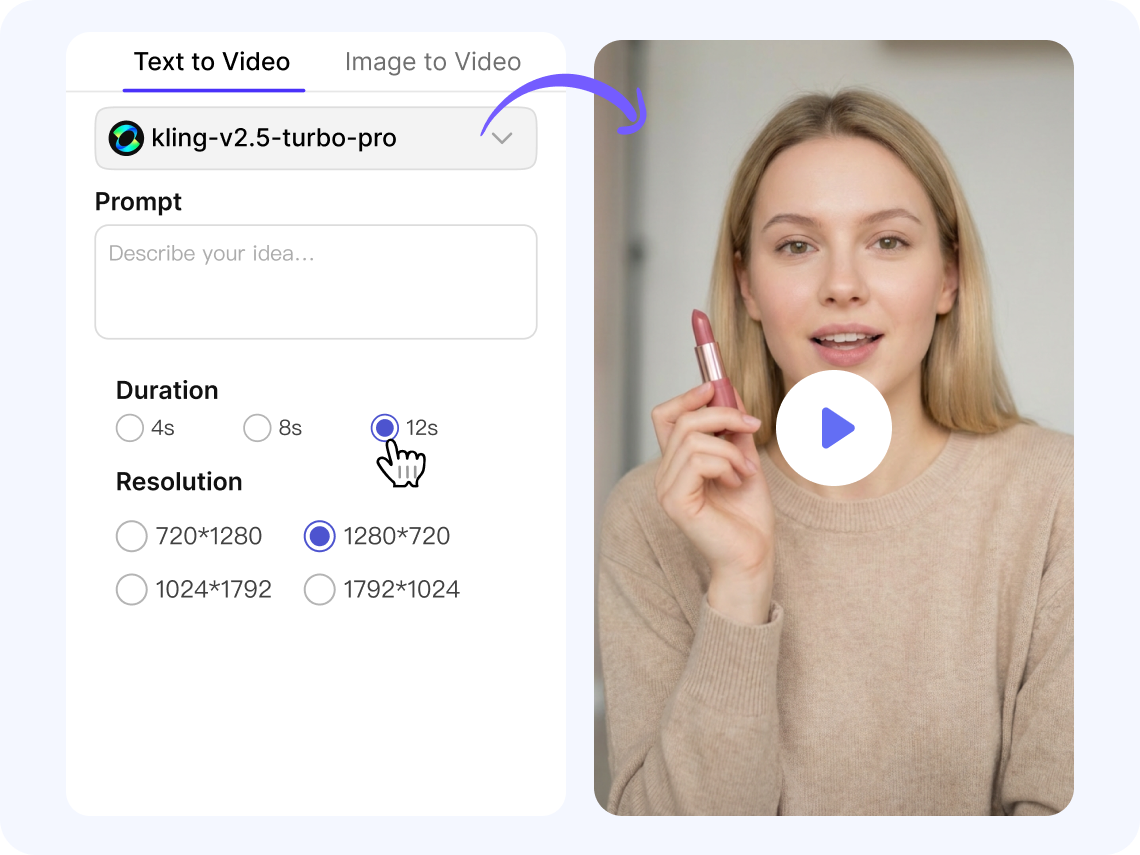
Write a Text Prompt or Upload an Image
Type a short description of the video you want, or upload an image you’d like to animate. FalcoCut can understand basic ideas and turn them into a starting point for your video.
Pick the AI Model
Choose from powerful models like Sora, Veo, or Kling to shape the look and motion of your video.
Set the Duration and Resolution
Select how long you want the video to be (4s, 8s, or 12s) and choose the resolution(720p or 1080p) that fits your needs.
Save and Share Your Video
Click Start button to generate your video and download it once it’s ready. You can create more versions or share your final clip anywhere you need.
Key Features for Fast Video Creation
Generate videos in a way that fits your process, from simple text prompts to detailed visual references or character‑driven scenes. Every feature supports fast, intuitive creation so you can focus on storytelling instead of technical steps.
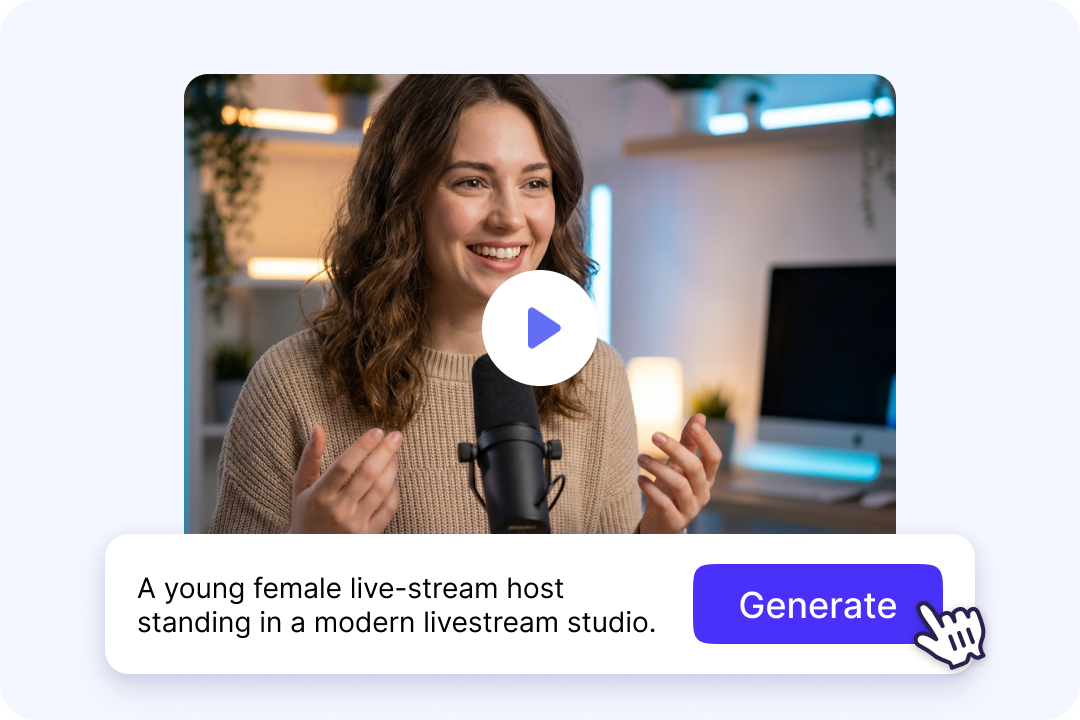
Turn Simple Text Into Video
Type a short description or script, and FalcoCut text-to-video tool transforms it into a fully animated video. The AI interprets your idea, builds the setting, and adds motion that matches your story. It works even if your prompt is only a few words, making it friendly for beginners. You can use it for storytelling, ads, YouTube content, tutorials, or quick concept previews without needing editing experience.
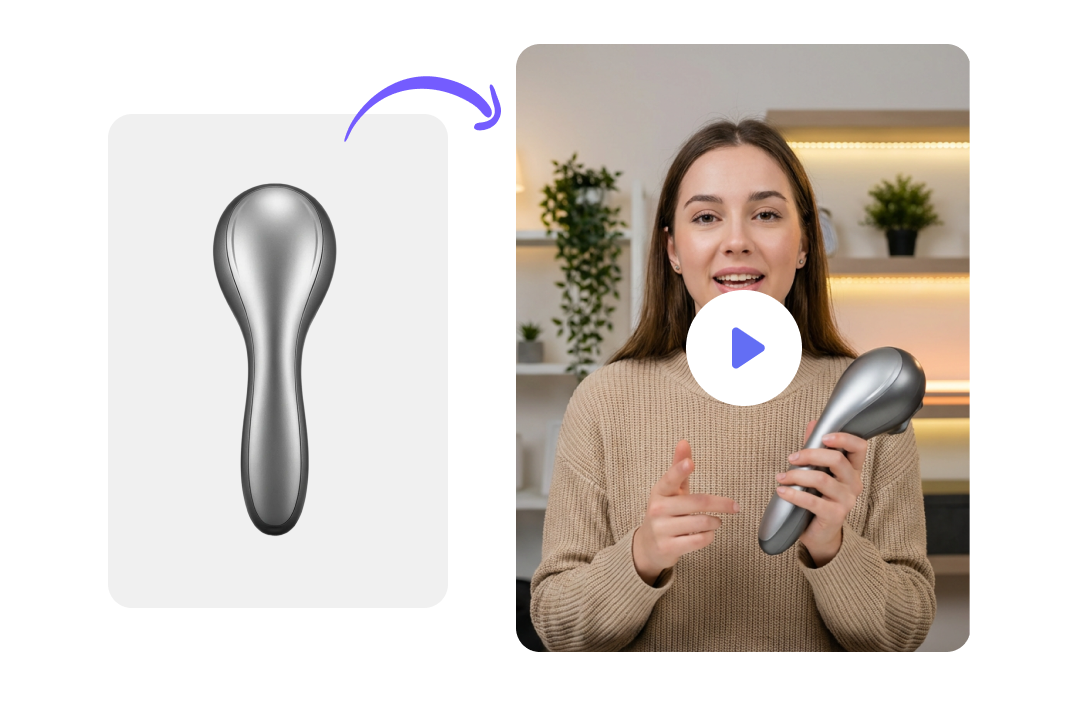
Animate Image with Natural Motion
Upload a photo, illustration, or product shot and watch it come alive with smooth, realistic movement. The AI image-to-video converter adds depth, motion, and transitions while keeping the original style intact. It's ideal for turning static visuals into dynamic clips for marketing, design, or creative storytelling. You can animate portraits, product images, or artwork to produce engaging videos in just a few steps.
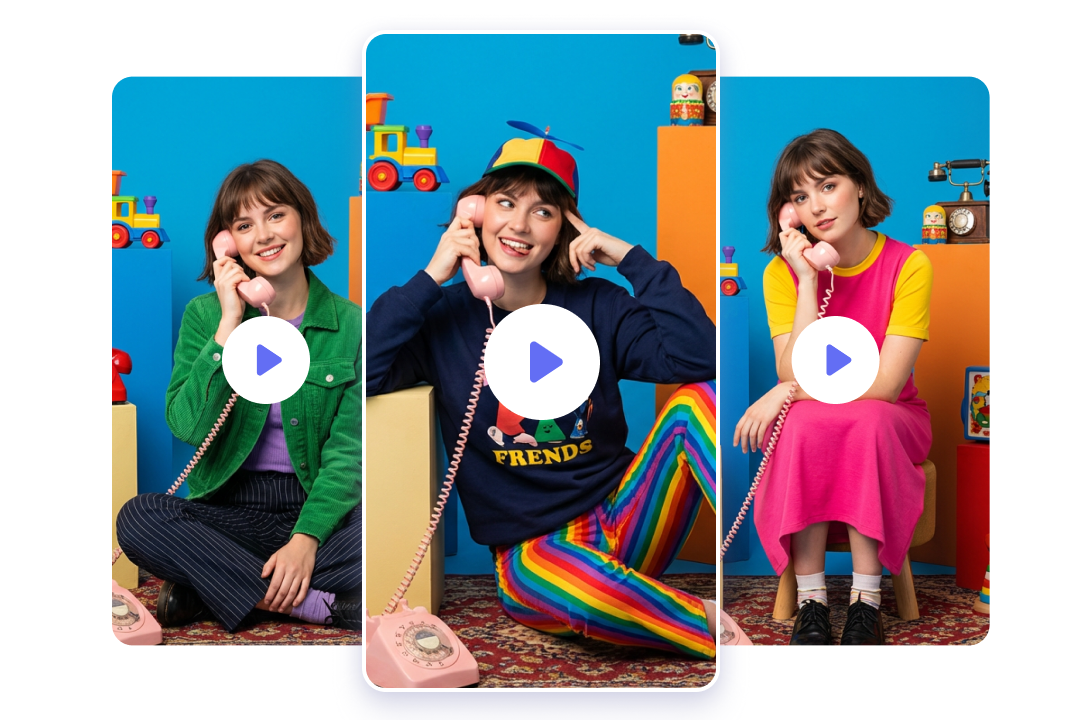
Consistent Characters Across Scenes
Our image asset library lets you store and reuse characters you've created across multiple videos. The AI maintains their appearance, style, and proportions from scene to scene, giving your content a consistent look. This prevents sudden changes in facial features or clothing between shots. It's especially helpful for creators building stories, branded series, or recurring characters.
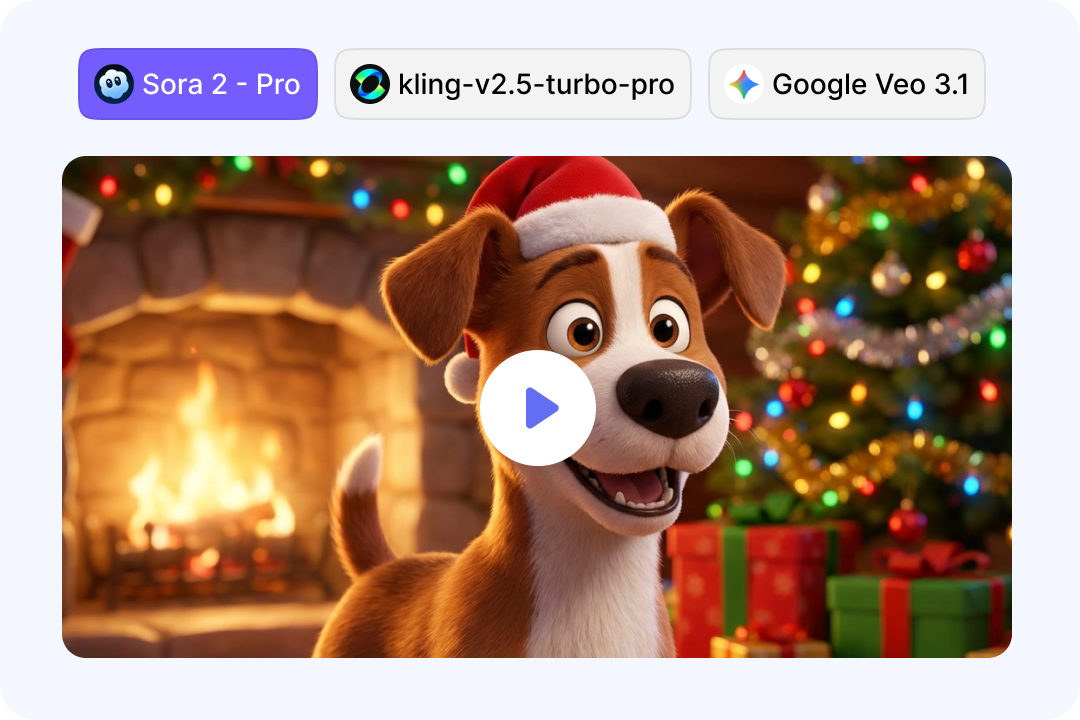
Choose From Various AI Models
FalcoCut offers multiple AI models—Sora, Veo, and Kling—so you can choose the one that best fits your story or brand. Each model handles movement, pacing, and style differently, giving you a wide range of creative possibilities. You can describe simple actions like "slow pan," "zoom in," or "follow the character", and the AI interprets them naturally. With these options, your video can match the exact tone and visual style you want without relying on complex editing skills.
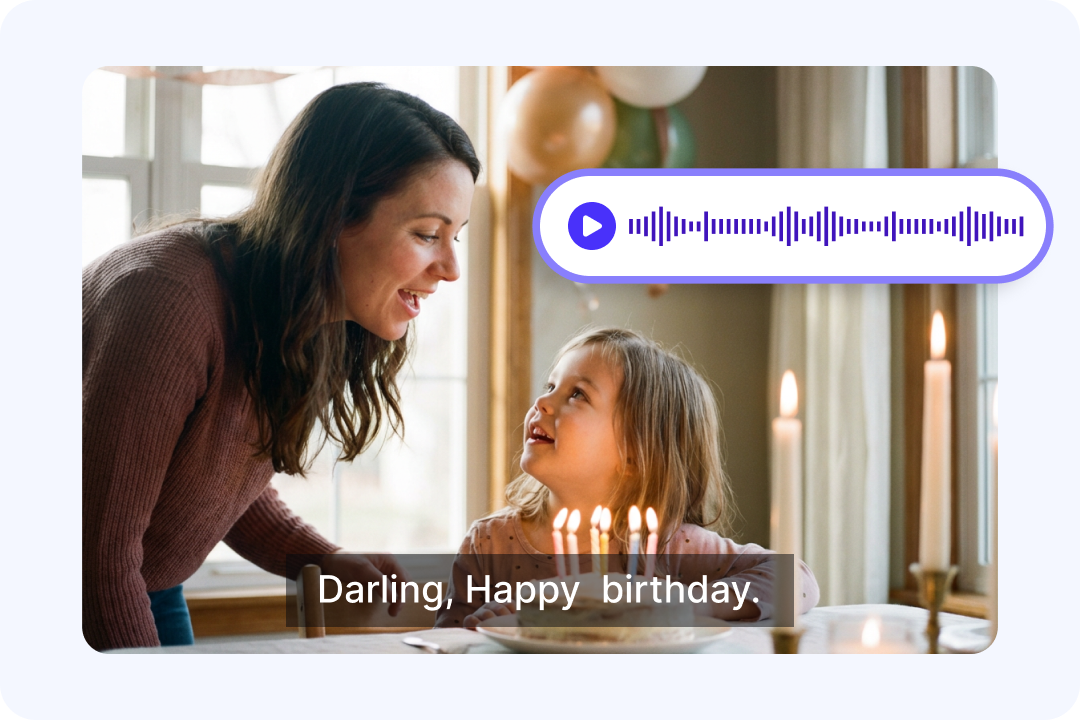
Auto Audio Generation
Sound adds emotion, clarity, and realism—and FalcoCut makes it automatic. The AI creates voice and ambient audio that match the moment you describe, so a simple line like "The mom says Happy birthday to her daughter" becomes a warm, natural scene. The sound blends with the visuals to add depth and feeling without extra recording or editing. Your videos come out expressive, complete, and ready to share right away.

Photo to Talking Clip
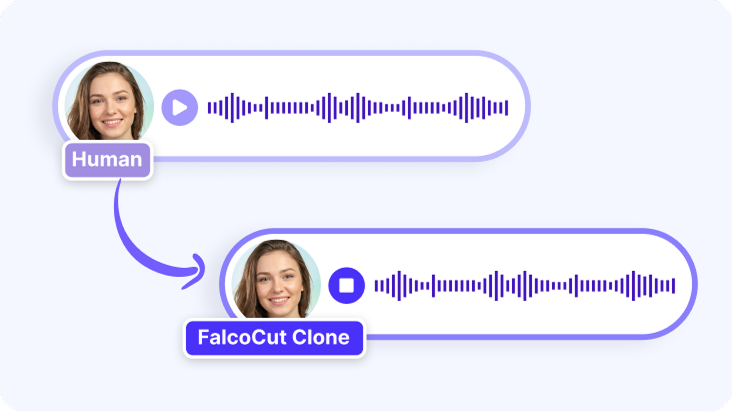
Turning a photo into a short talking moment makes messages feel more personal and direct for any audience. Simple spoken lines help explain ideas in a clear and friendly way. Visual movement draws attention and keeps viewers focused on the key point. This approach removes the need for filming, making quick updates easy for busy teams. It offers a fast way to share information with a human touch.
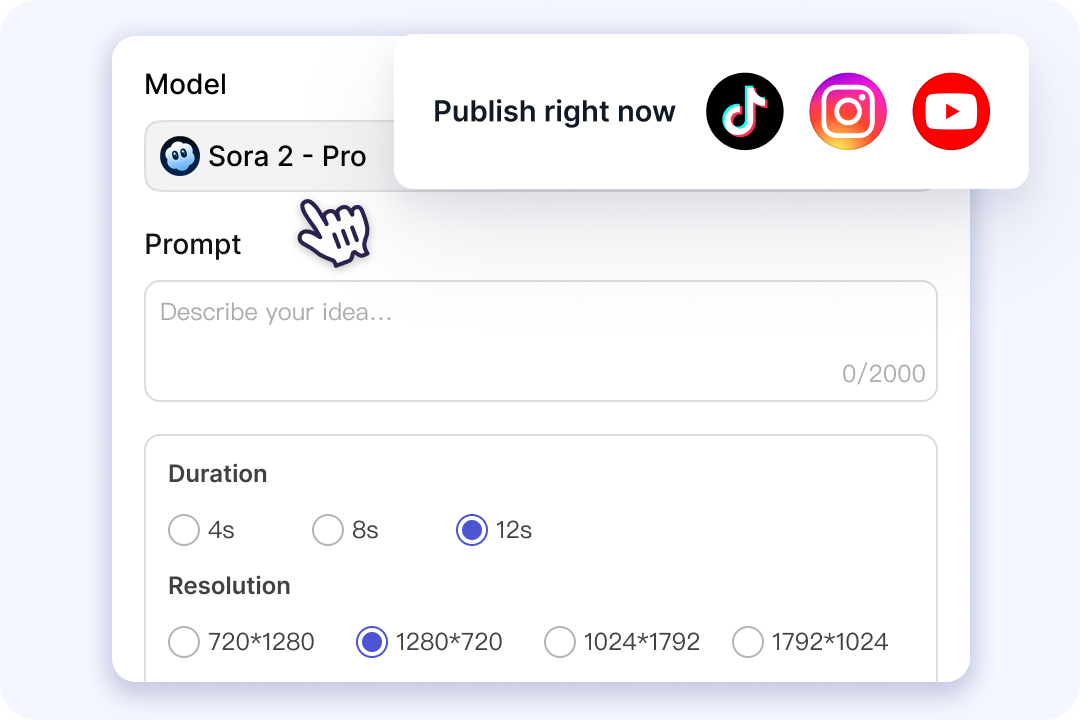
Generate Videos for Any Platform
Short clips like 4‑second highlights work well for fast‑scrolling platforms where quick impact matters. Longer 12‑second segments give more room for product demos, story beats, or educational moments. Our video creation tool provides proper video output settings to keeps your visuals sharp on TikTok, Instagram, YouTube, and other channels. Adjust duration and resolution to fit any platform in just one click. Now, everything comes out ready to post.

Create in a Connected Workspace
FalcoCut gives you a flexible creative workspace where you can continue refining your project even after the first video is generated. All your images, clips, voices, and avatars are stored in an organized asset library, so adding new elements or adjusting visuals feels simple and intuitive. You can move between tools to translate clips, add your own voice to videos, or edit your footage without breaking your flow. Everything stays connected so your workflow remains smooth and flexible from start to finish.
Top Use Cases for AI-Generated Videos
Whether you're explaining a concept, building a story, or sharing a personal moment, FalcoCut transforms your ideas into expressive videos. See how marketers, educators, and creative teams use AI to scale production, stay consistent, and work with more freedom.
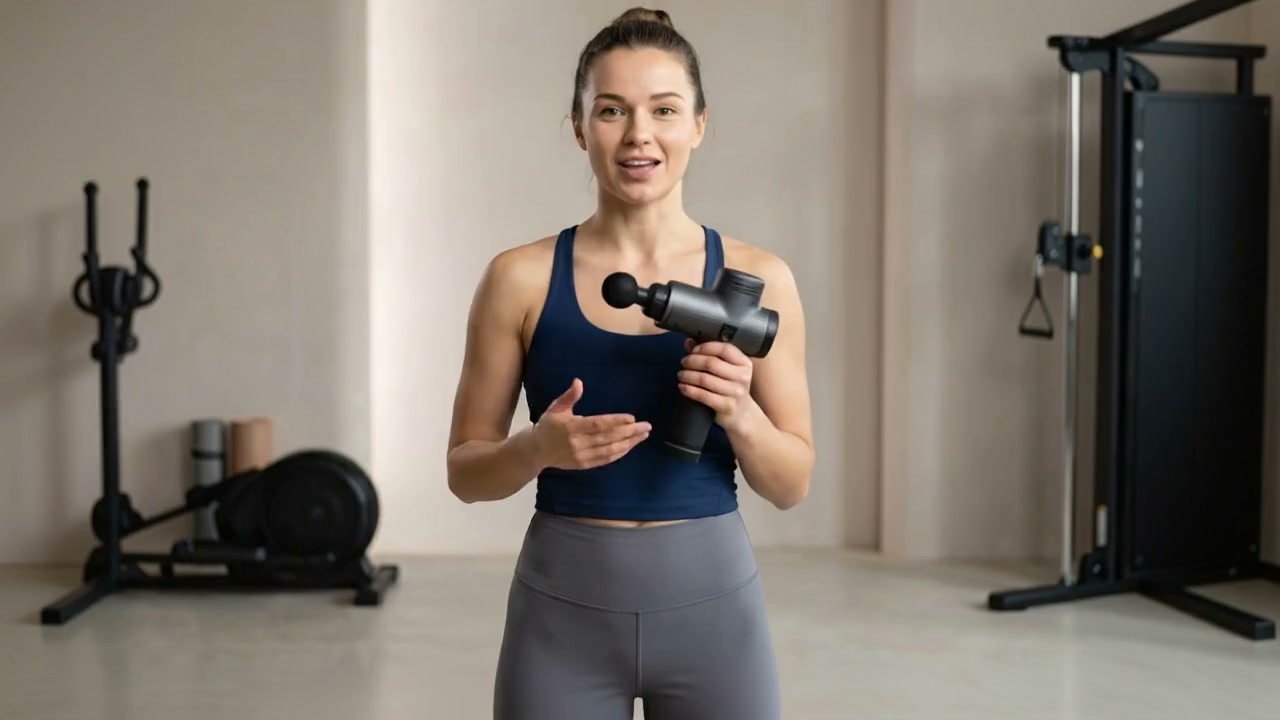
Why Choose FalcoCut for AI Video Creation
FalcoCut gives you a reliable, creator-friendly workflow that turns ideas into polished videos with minimal effort. From fast generation to consistent visual quality, every part of the platform is designed to help you produce content confidently.
Fast Video Generation
Ideas turn into videos quickly, making it simple to test variations and explore new styles. Fast results keep creative work moving.
Multi-Mode Inputs
Start a video from text, images, characters, or a mix of them. More input options make it easier to shape ideas in a natural way.
Consistent and Clear Results
Each video comes out steady, smooth, and sharp. Reliable quality makes the output ready for work, school, or social platforms.
Safe and Secure
Strong safety and privacy standards protect every asset. A stable, trusted environment keeps creative work worry-free.
Simple for Everyone
A clean, intuitive interface removes the need for editing skills or training. Creating a polished video takes only a few minutes.
Works for Many Projects
Short clips, explainers, ads, and personal stories all fit the same workflow. One tool supports a wide range of creative needs.
Old Way vs. FalcoCut Video Generation
Skip the slow steps, heavy tools, and confusing workflows of traditional video creation. With FalcoCut, AI turns ideas into finished clips in minutes, so creators and teams can focus on their ideas instead of getting stuck in long edits.
Old Way
- •Timeline: Takes 3–14 days for filming, editing, and revisions
- •Cost: Costs $500–$5,000+ per video
- •Tools: Requires 10+ tools to finish one video
- •Updates: Hard to update when you want small changes
- •Output: Low output with only a few videos each month
New Way with FalcoCut
- •Timeline: Ready in 1–5 minutes with fast AI generation
- •Cost: Costs up to 90% less than filming
- •Tools: Uses one platform for the whole process
- •Updates: Easy to adjust with a simple prompt
- •Output: High weekly output with many videos at once
What Our Customers Say
Saved Me So Much Time
FalcoCut helps me make videos in minutes instead of days. I can test ideas fast and finish more projects each week. The workflow feels smooth, and I never get stuck. It has become my go-to tool for quick content.
Social Media Manager
Maya Chen
Perfect for Quick Content
I use FalcoCut for daily posts, and it never slows me down. The videos look clean, and the workflow is simple. I can create new clips even on busy days. It keeps my content fresh without extra effort.
Content Creator
Jordan Lee
Great for Product Demos
My team uses FalcoCut to show new products without filming. The videos look sharp, and we save a lot of money. We can update demos anytime with a simple prompt. It helps us launch faster and stay ahead.
E-commerce Founder
Sam Rivera
I Finally Feel Confident Making Videos
I'm not a video editor, but FalcoCut makes the process simple. I can create clear explainers for my students in minutes. The steps are easy to follow, and the results look great. It has made my lessons more fun and visual.
High School Teacher
Emily Park
Our Team Works Faster Now
We used to spend weeks on one video. Now we make many in the same time. The speed helps us hit deadlines without stress. My team feels more creative because we can try more ideas.
Marketing Lead
Daniel Brooks
My Go-To Creative Tool
FalcoCut helps me turn ideas into videos with almost no effort. I love how easy it is to adjust scenes and styles. It gives me room to explore new looks and concepts. I use it for both client work and personal projects.
Freelance Designer
Aisha Patel
Explore Our AI Tools


Frequently Asked Questions
How to Use FalcoCut AI Video Generator?
Step 1: You choose your input type, such as text or an image.
Step 2: You enter your prompt or upload your visual.
Step 3: You pick the video length and resolution. After that, FalcoCut processes your request and generates a video based on your instructions.
Step 4: Finally, you preview the result and download it or create more variations.
The whole process is designed to be quick, clear, and beginner-friendly.
What types of videos can I create with FalcoCut?
What is the best AI video generator?
Which AI video model is best for beginners?
What types of input can I use to create videos?
How long does it take to generate an AI video?
Is there a free AI video generator?
How do I write prompts for an AI video generator?
Do I need to download any software?
How secure is my data?
Your Next Video Ready in Seconds
Skip filming and editing. Turn ideas into smooth, high-quality videos in just a few clicks. Create multiple versions and go from concept to final output—fast.