See What FalcoCut Can Create in Seconds
FalcoCut AI Image Generator gives you the freedom to create visuals in any style you can imagine — from realistic portraits and product shots to anime characters, digital art, and stylized concepts. With simple text or photo prompts, you can instantly explore completely different looks without needing design skills.
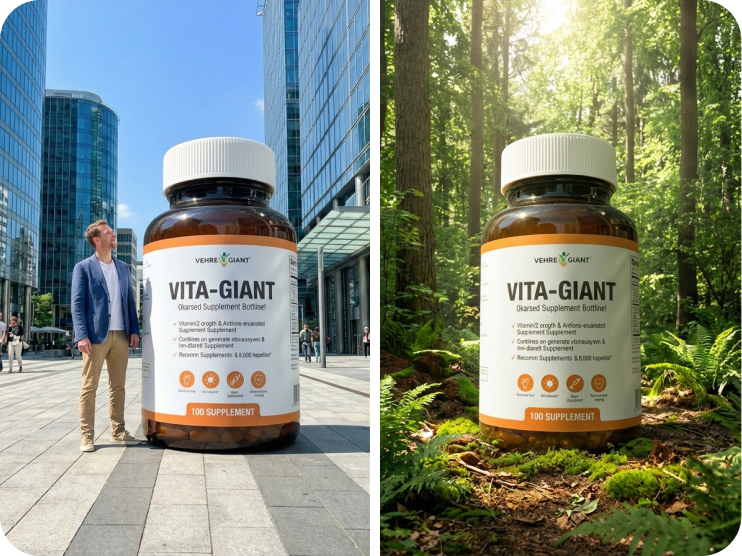
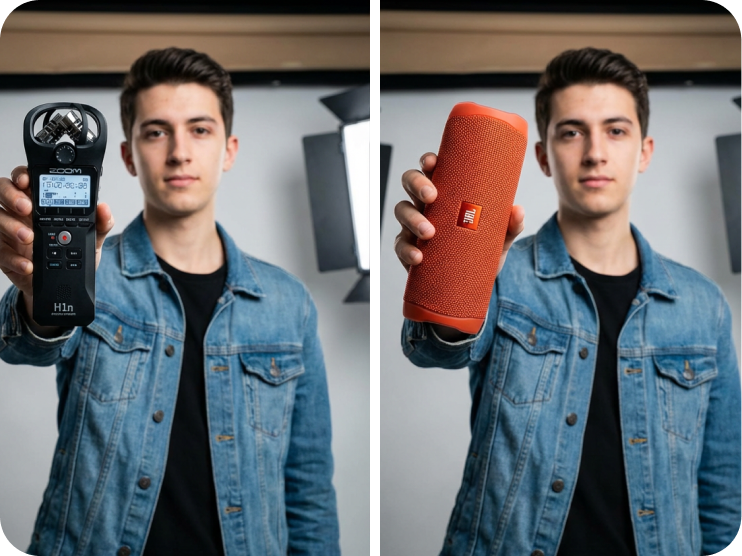
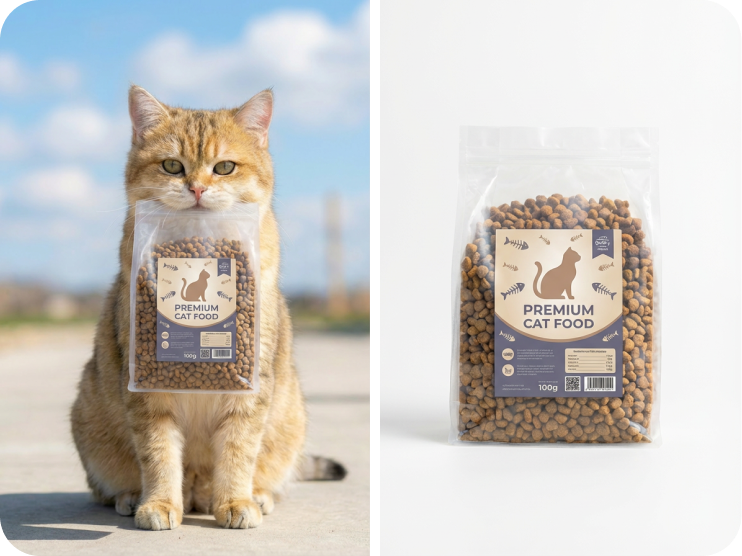
How to Make an AI Image with FalcoCut
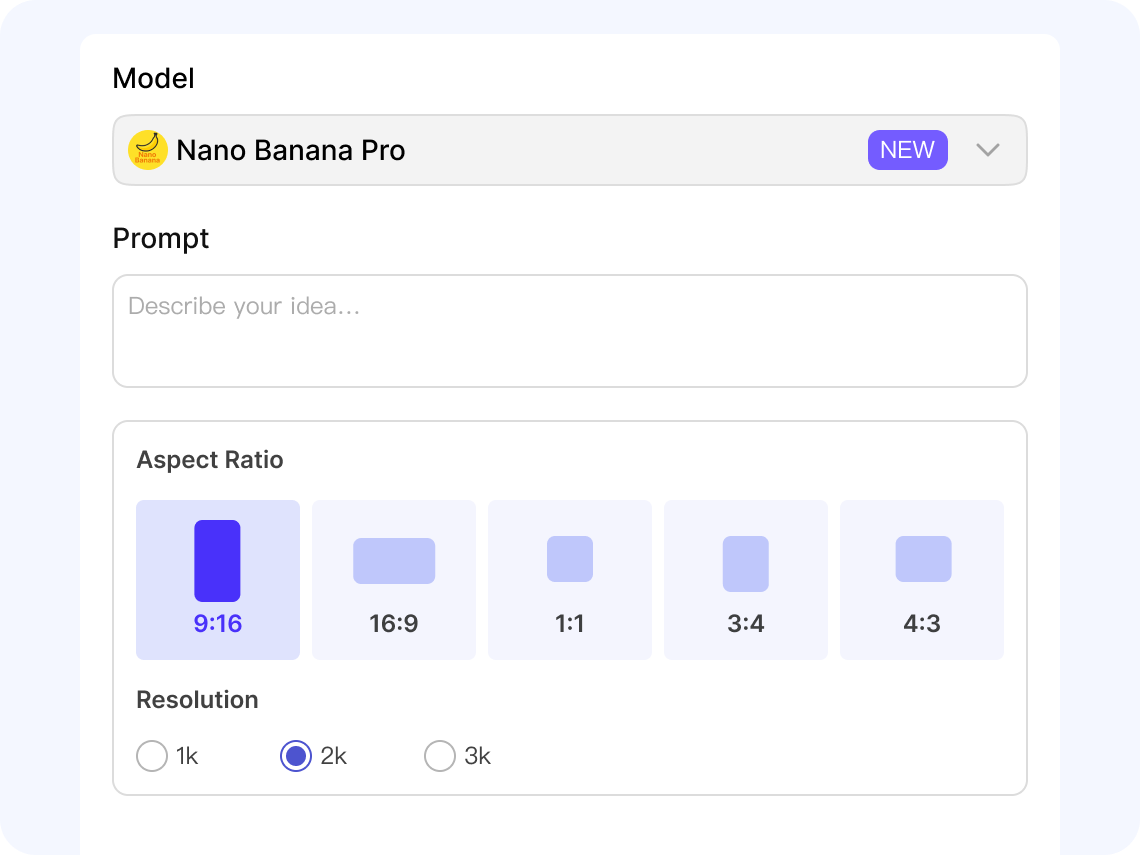
Enter Your Prompt or Upload Image
Describe what you want to see or upload a photo to transform. Keep it simple — just tell FalcoCut what you want to see.
Choose the AI Model
Pick an AI model like Nano Banana or Flux Kontext that best matches your project.
Set Aspect Ratio and Resolution
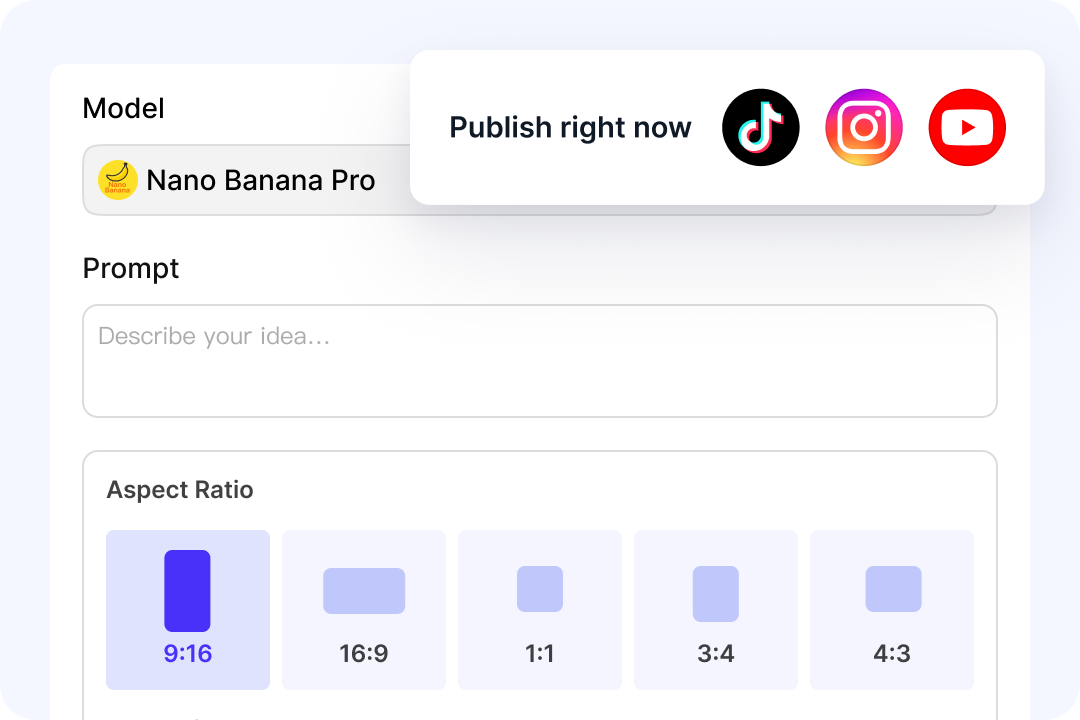
Choose an aspect ratio that matches your platform, such as square (1:1), vertical (9:16, 4:5, 3:4), or landscape (16:9). Then select the output resolution—1K, 2K, or 4K—based on your quality needs.
Save and Share Your Image
Click Start to generate your image. Once finished, download it, reuse it, or create variations by adjusting the prompt, model, or settings anytime.
Powerful Features That Make FalcoCut Stand Out
FalcoCut brings advanced AI models, flexible controls, and an integrated set of creative tools into one smooth workflow. Every feature is designed to help you create high-quality images faster, with less effort and more freedom to explore your ideas.
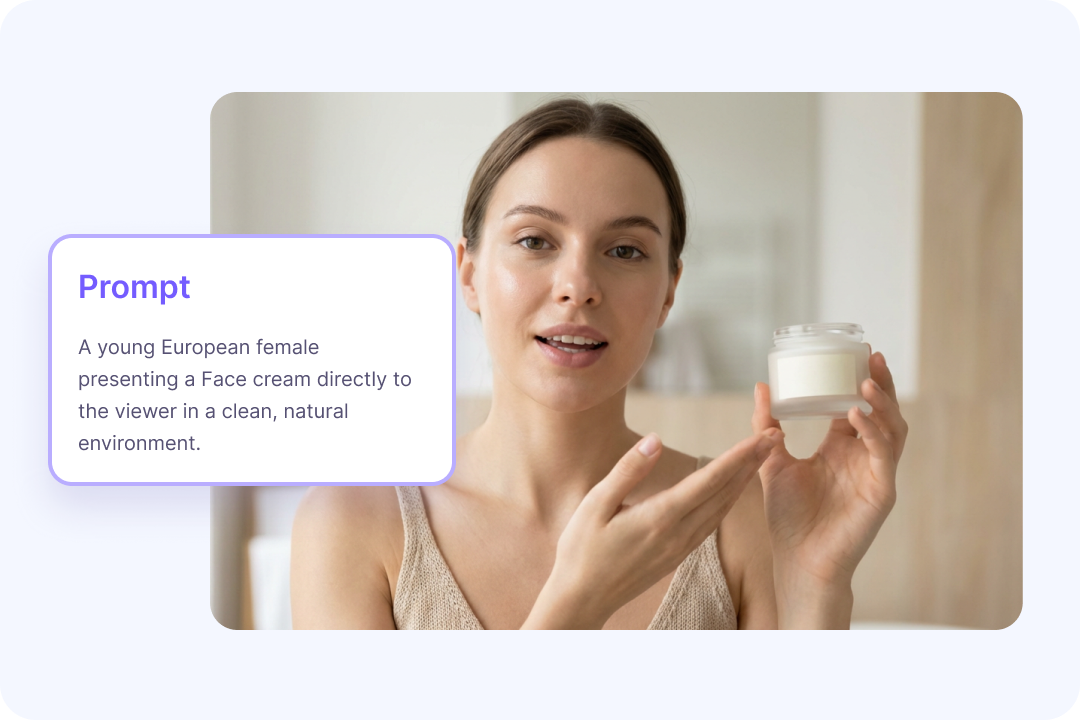
Text-to-Image Made Simple
Turn ideas into polished visuals with a short prompt and let the AI handle the creative heavy lifting. The text-to-image tool understands subjects, lighting, composition, and mood, so your results feel intentional rather than random. Creators can produce images for social posts, product shots, concept art, or personal projects without needing design skills. High-quality visuals come together quickly, even on tight timelines.
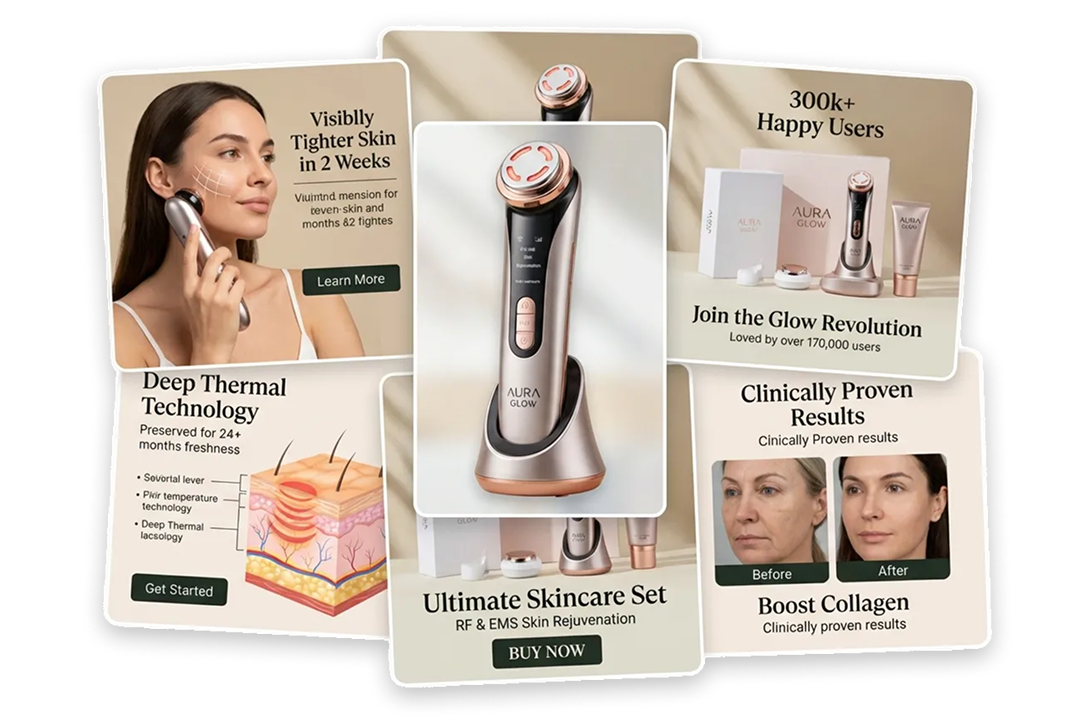
Image-to-Image Transformation
With FalcoCut's image-to-image tool, you can upload a photo or sketch to guide your next creation. The AI reads the shapes and layout from your image and builds on the original structure. Whether you want a new style, a different mood, or cleaner details, the AI adjusts the output while keeping your idea intact. It's an easy way to refine drafts, explore new looks, and keep your visuals consistent across a project.
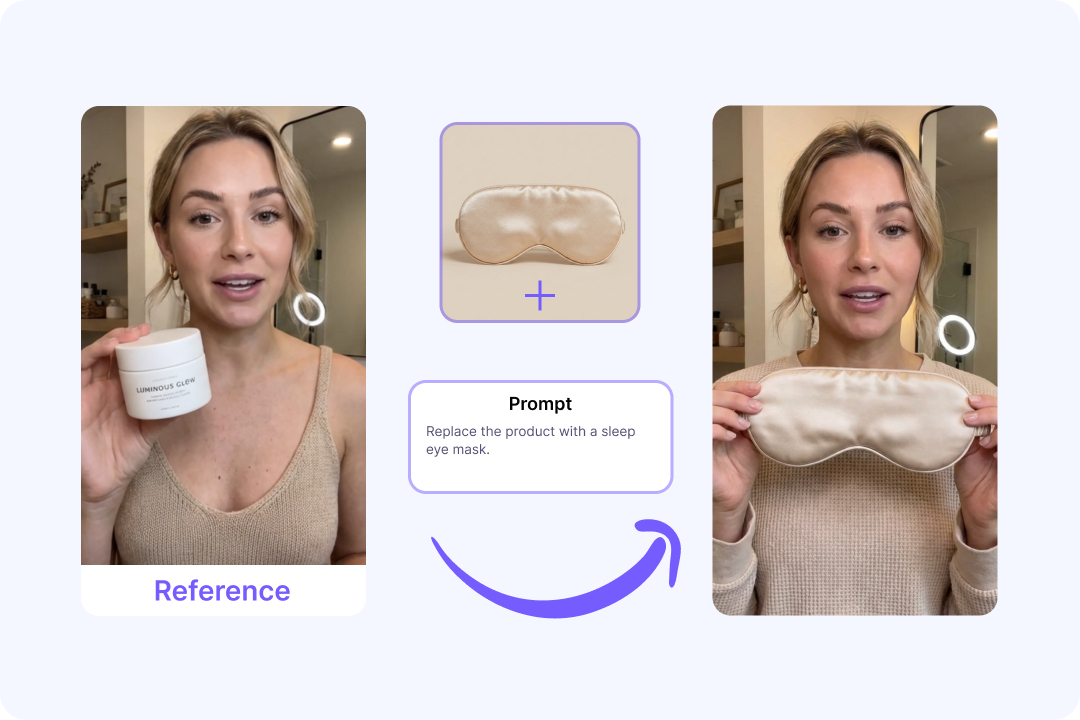
Guide Images with References
Shape your images with clear direction by using reference photos to anchor style, pose, and color. FalcoCut reads the structure and visual cues from your reference, then generates new variations that stay aligned with your original idea. This seamless integration of reference data ensures that characters, products, or brand visuals stay consistent across multiple outputs. Creative projects feel more unified and predictable from one generation to the next.
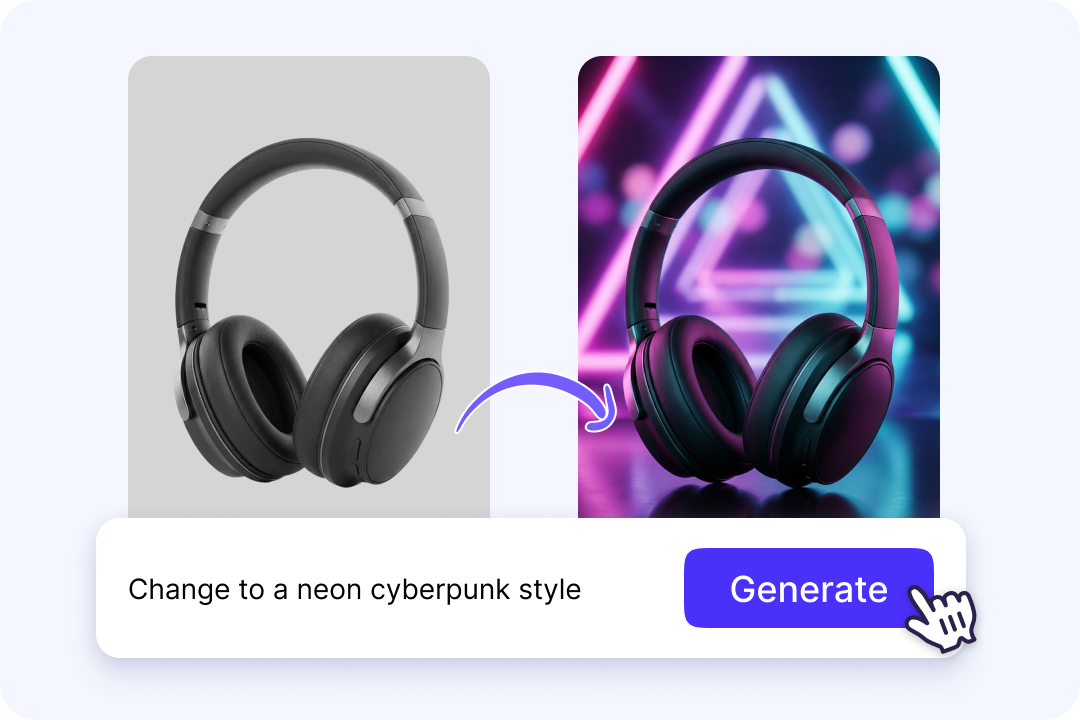
Edit Any Image by Text Prompts
Transform images using natural language commands instead of complex tools. FalcoCut can fix old photos, colorize black-and-white shots, remove or add objects, clean backgrounds, upscale details, swap faces, and generate new headshots—all from a single prompt. A wide range of editing options gives creators the flexibility to refine visuals quickly. Creative adjustments feel accessible even without technical editing skills.
Resize Images for Any Platform
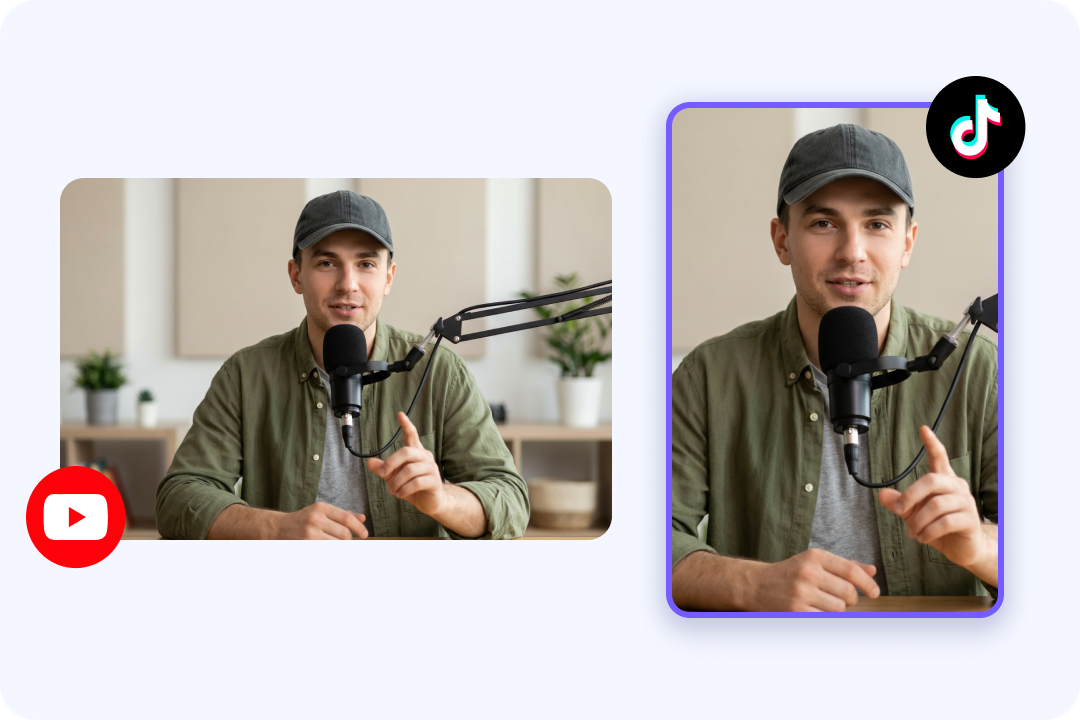
Adapt your visuals to every channel with flexible aspect ratios built for TikTok, YouTube, Instagram, and more. High-resolution output keeps images sharp for thumbnails, product shots, posters, and social content. Creators gain full control over size and quality to match each platform's requirements, ensuring every visual looks polished and ready to publish. A wide range of size options supports consistent quality across all your projects.
Smarter AI Model Support
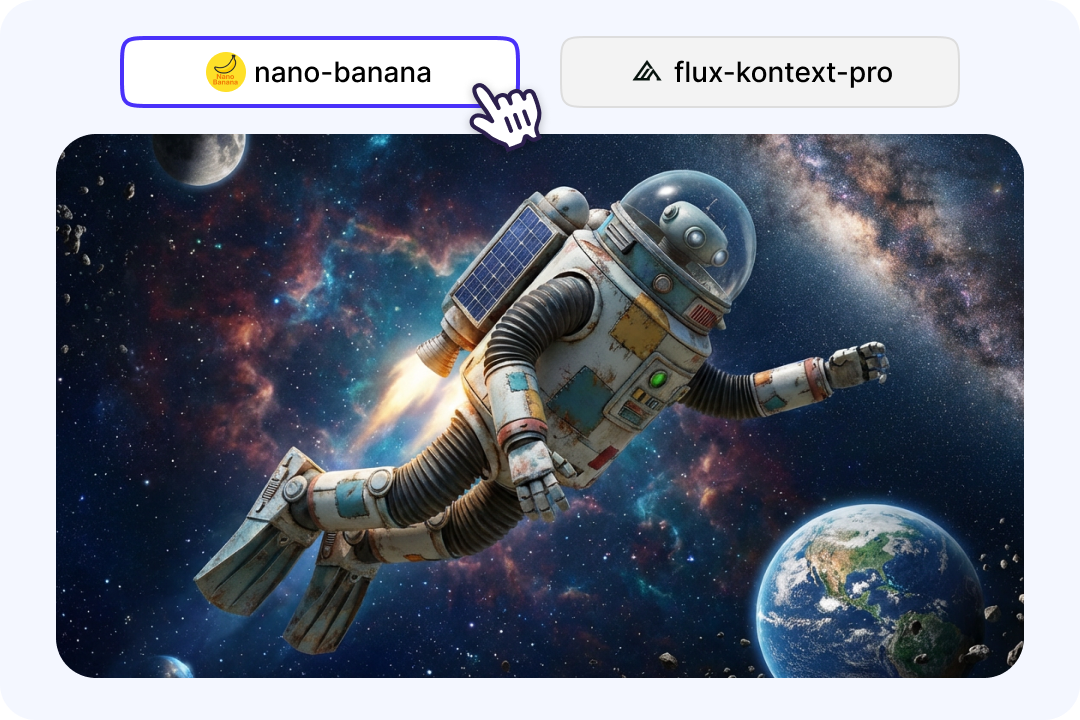
Access advanced models like Nano Banana Pro and Flux Kontext Pro to bring ideas to life with clarity and detail. These models understand complex prompts and adapt to different visual styles—realistic, artistic, anime-inspired, or cinematic—without relying on presets. The result is flexible, expressive image generation that follows your creative direction naturally. Creators gain more freedom to experiment because the models respond reliably to subtle mood, texture, and storytelling cues in every prompt.

Built-In Asset Library for Consistency
Build a personal library of reference images to maintain character designs, product details, or brand identity across multiple generations. Reusing uploaded assets makes it easier to stay visually consistent from one project to the next. This saves time and keeps your creative direction unified, even across large batches of images. A stable visual identity helps audiences recognize your work instantly, strengthening brand presence across every platform you publish on.
Ready for Any Creative Task
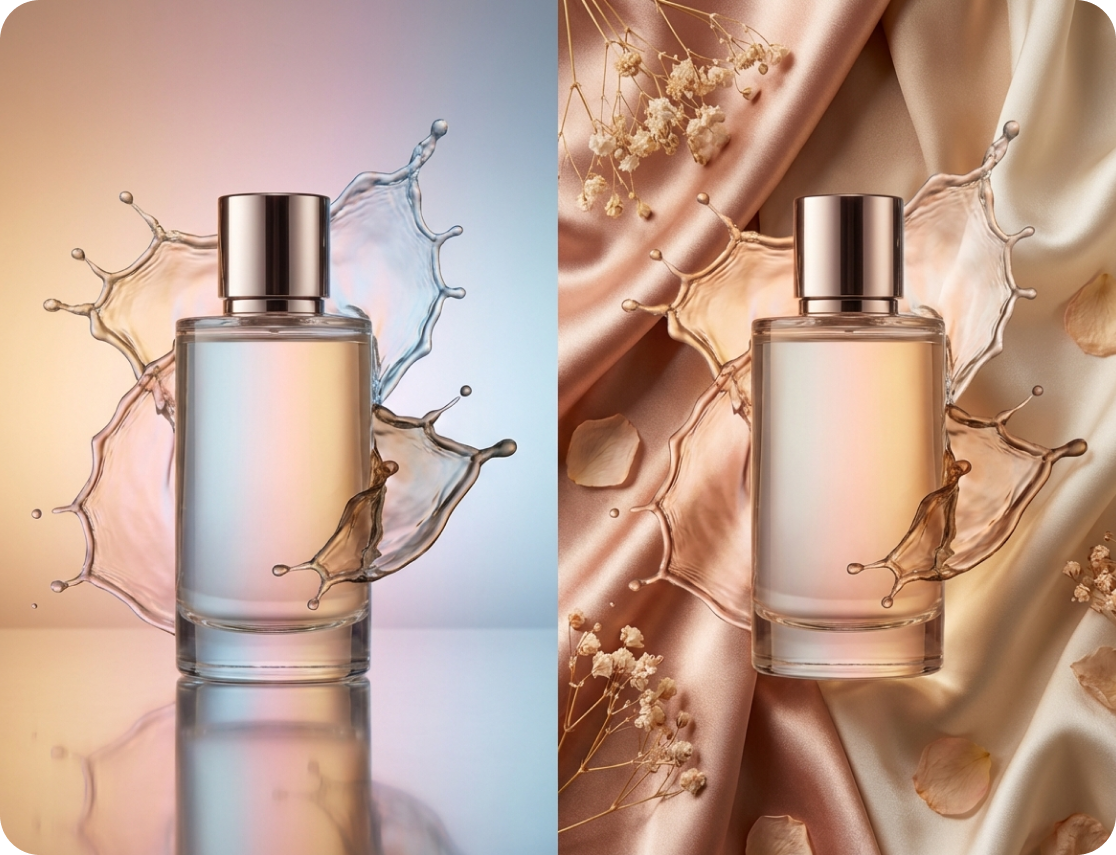
Produce everything from product photos and character art to marketing visuals and social content without switching platforms. The workspace adapts to simple prompts, detailed concepts, or large multi-task projects, giving creators room to explore ideas at any scale. You can move from early sketches to polished final images without changing platforms. A broad range of capabilities keeps your workflow flexible, whether the project is simple, experimental, or large-scale.
Creative Ways to Use AI Generated Images
AI-generated images unlock new possibilities for creators, businesses, and everyday users. Whether you're creating marketing materials, or exploring new artistic styles, FalcoCut helps you produce high-quality results in seconds. Use it to speed up your workflow, test ideas, or create polished assets without needing design experience.
Why Choose FalcoCut AI Image Generator
Our AI image generator is built to help anyone create high-quality visuals with ease. It combines speed, clarity, and smart technology so you can focus on your ideas instead of complex tools. Whether you are a beginner or a pro, the workflow stays simple and smooth from start to finish.
Fast Processing
Images generate in seconds, keeping projects moving without long waits. Rapid turnaround makes it easy to test ideas, explore styles, and stay in a creative flow.
High-Quality Output
Each result comes through with sharp details and clean, balanced color. Visuals look polished enough for marketing, design, and social content without extra editing.
Advanced AI Models
Modern AI models interpret prompts with greater accuracy, producing clearer subjects, better shapes, and more realistic textures.
Secure and Private by Design
Your images and files stay protected in a secure cloud environment. All projects remain private while you work across devices.
Cloud-Based Access
Everything runs online with no installation required. Work continues seamlessly across devices, supporting flexible schedules and mobile-first creators.
Beginner-Friendly Interface
A clean, beginner-friendly interface keeps the workflow simple from the first prompt. Anyone can generate or refine visuals without a learning curve or technical setup.
Old Way vs. FalcoCut AI Image Generator
Traditional image creation takes time, money, and multiple tools. FalcoCut cuts down the workload so you save hours, reduce costs, and get high-quality visuals in minutes.
Old Way
- •Projects take 2–3 days to finish
- •Cost hundreds of dollars for one shoot
- •Work often needs 3–5 people
- •Switch between 10+ apps
- •Style changes take hours of edits
New Way with FalcoCut
- •Images appear in under 30 seconds
- •Create visuals with no extra fees
- •One person can do everything
- •All tools live in one place
- •Try dozens of variations instantly
What Our Customers Say
Cut My Workload in Half
I used to spend hours editing product photos for my shop. Most of that time went into fixing lighting and cleaning backgrounds. Now I can create new images in minutes and focus on packing orders instead. It has made my daily routine so much easier.
Online Store Owner
Emily Carter
Finally Matches What I Picture
Explaining my ideas to designers was always tough, and the results often missed the mark. Now I can create sample images myself and show my team exactly what I want. It saves a lot of back-and-forth and keeps projects moving. I feel more confident sharing concepts now.
Marketing Lead
Jason Miller
Great for Daily Social Posts
Posting every day used to feel stressful because I ran out of visuals so quickly. Now I can make new images in seconds, even when I am short on ideas. It keeps my feed active without long editing sessions. My engagement has grown since I started using it.
Content Creator
Chloe Adams
Perfect for Fast Client Drafts
Clients often ask for quick mockups, and I never had enough time to design everything from scratch. Now I can show early concepts right away and explore more options before choosing a direction. It makes my workflow smoother and my clients happier. Turnaround time has improved a lot.
Freelance Designer
Lucas Reed
Helps My Students Understand Faster
Some lessons are hard to explain with text alone, especially for visual learners. I now create simple images to show examples during class. It keeps students more engaged and helps them understand ideas more quickly. Preparing materials has also become much easier for me.
Teacher
Daniel Brook
Fun for My Creative Projects
I love making small art projects, but I am not great at drawing. Now I can turn my ideas into images without needing advanced skills. I try different styles until something feels right. It has made my hobby a lot more fun.
Hobby Artist
Sarah Collins
Explore Our AI Tools
Frequently Asked Questions
How does text-to-image work?
How does image-to-image work?
What is the best AI image generator?
Best AI image generators (top picks):
1. FalcoCut — A fast, all-in-one AI image generator with clean output and beginner-friendly tools.
2. Midjourney — Known for artistic and stylized images with strong visual flair.
3. DALL·E — Offers detailed text-to-image generation with strong prompt understanding.
4. Stable Diffusion — A flexible open-source model for custom workflows and fine-tuning.
5. Adobe Firefly — Great for branded, safe-to-use images with strong editing support.
6. Bing Image Creator — A free option with quick generation and simple controls.
7. Leonardo AI — Popular for game assets, character art, and creative variations.
Do I need design skills to use FalcoCut AI image generator?
How to use FalcoCut AI image generator?
Step 2: Choose a model or style that matches the look you want.
Step 3: Adjust settings like aspect ratio, lighting, or resolution if needed.
Step 4: Generate the image, review the result, and download or refine it.
This simple workflow lets anyone create high-quality visuals in just a few clicks.
Can AI create realistic or photorealistic images?
Can FalcoCut upscale or enhance image resolution?
How do I write better prompts?
Is the AI image generator free to use?
Can I generate consistent characters or styles across images?
Create Images in Seconds
Stop wasting hours on editing or searching for the right image. Produce fresh, polished visuals in moments with FalcoCut and stay ahead of your deadlines.